01
Create the memorial gallery
Add their name and the date of the service, and choose a calm theme and a photo.
- Add their name and the date.
- Choose a calm theme and a photo.
- Get your upload page and gallery.
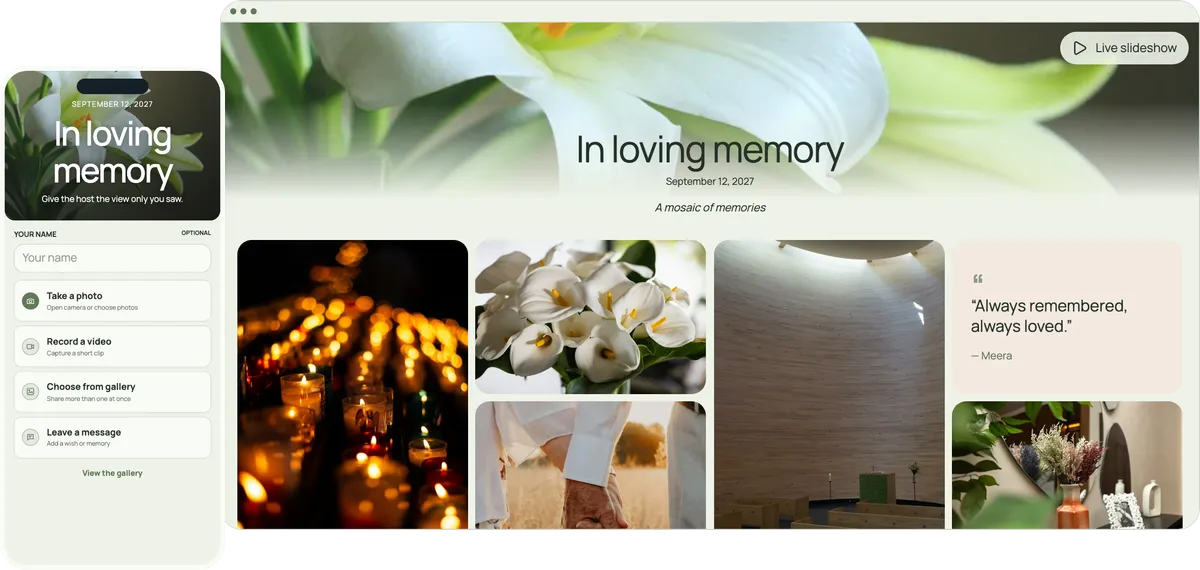
Family and friends scan one QR code on the order of service, or open a link, and add their photos and written memories to a private gallery. Relatives abroad can add theirs from home. Nothing to install, no account to create.
Start free. No app required.
Older relatives, cousins overseas and old friends all share the same way: open the link, choose a photo, write a few words.
The page opens in the phone’s browser, so older relatives can take part.
Send the link to relatives who cannot travel, so they can add photos and watch from home.
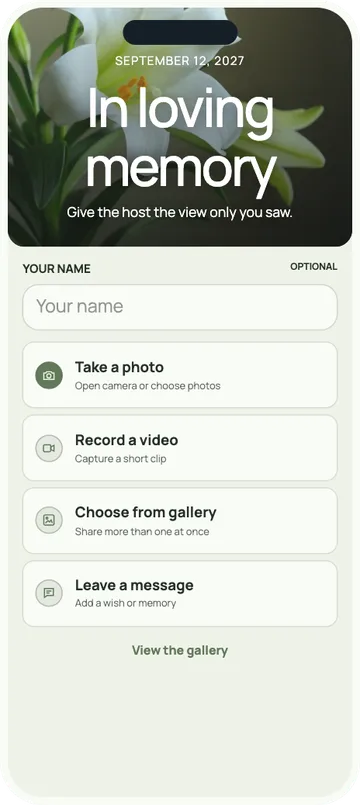
Everyone can add a few words to a photo, or a memory on its own.
Keep every photo, video and message, ready to pass on.
One person can set it up in a few minutes, whenever the family is ready.
Add their name and the date of the service, and choose a calm theme and a photo.
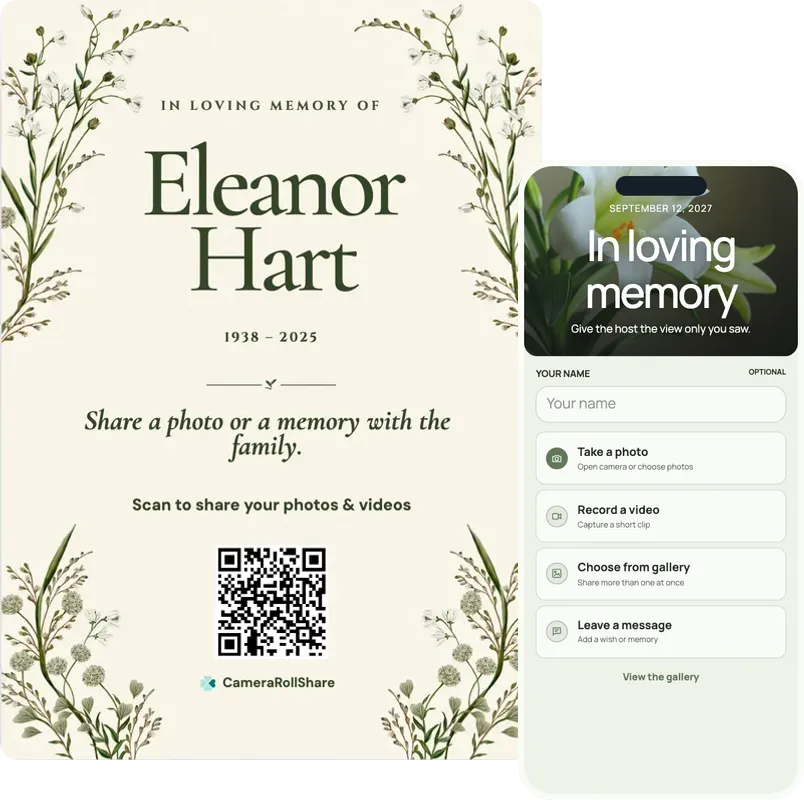
Print the QR on the order of service and the remembrance cards, and send the link to the family chat.
If the family wishes, a slideshow of their photos can run quietly on a screen during the reception, as relatives add more.
One simple upload screen for guests. One beautiful gallery for everyone invited.
In loving memory
September 12, 2026
A mosaic of memories


Choose a style to see your upload page and gallery change
72 possible combinations of themes and layouts
Create your own eventThe first week is full enough. Each of these steps takes a few minutes, and one person can do them all.
Choose one person, often a grandchild or a close friend, to create the gallery under their own account. Everyone else only needs the link.
Add the printed QR code to the order of service and the remembrance cards, with one line such as “Share a photo or a memory”.
Post the link in the family group chat, and email it to those who aren’t in it. Nobody needs an app or an account.
Family who cannot travel can photograph old prints with their phone and add them with a few words, so the gallery holds the years before as well as the day itself.
Open the gallery on a laptop connected to a screen and press Live slideshow. It plays quietly, and new photos join as people add them. Hide anything you would rather not show.
Many memories arrive in the weeks after the service. The gallery stays open until you close it; after that, files remain available for 14, 30 or 60 days, depending on the plan.
When everyone has shared, download every photo and video as one ZIP file and the written memories as a guestbook PDF, and pass them on to the family.
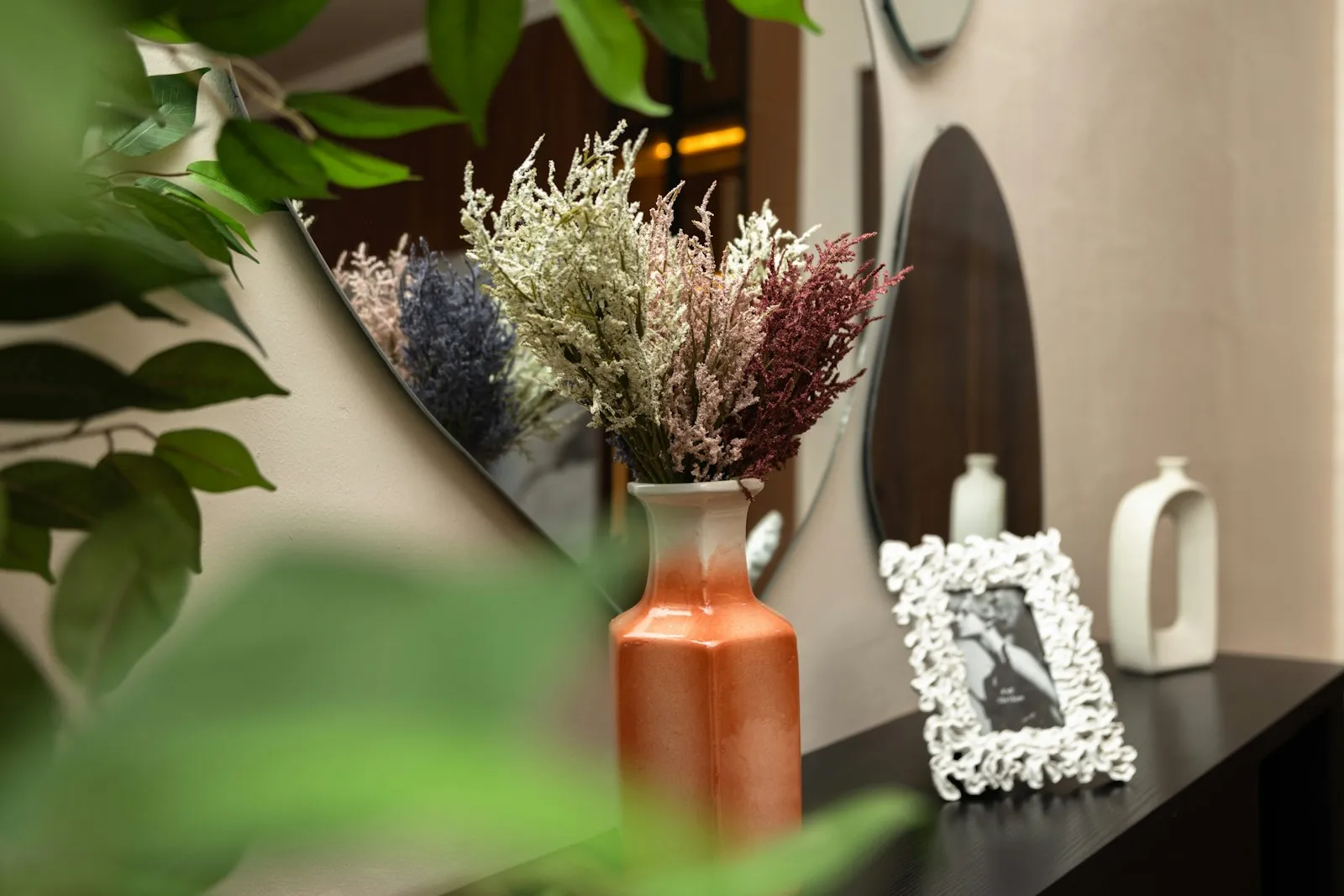
Hand out a small card at the service, or leave one on each seat. Pick the template after you create the gallery, add their name and dates, and print as many as you need.
He taught me to fix a bicycle chain on the steps outside number 12, the summer I turned nine, and he never once let me give up. This is the only photo I have from that year. I think of him every time I ride.Daniel, a neighbour
The written memories, kept together: after the service, choose the messages in your dashboard and download them as a guestbook PDF, ready to print for the family.
Plain answers about what this is, who can see it and how long it stays.
This is a private gallery for photos, videos and written memories, opened with a QR code or a link. It is not a public memorial website or an obituary page: it isn’t listed anywhere, and search engines don’t show it.
There is nothing to install and no account to create. The page opens in the phone’s browser, in English, French or Italian, and a grandchild can help in a minute if needed.
Relatives who cannot travel can add their own photos and memories from anywhere, and, with guest viewing on, watch the slideshow from home during the reception.
Use it for the service and the reception, for a celebration of life a few weeks later, or for an anniversary remembrance a year on. Each gathering can have its own gallery.
The gallery stays open until you close it. After that, files remain available for 14 days on the Free Trial, 30 on Premium and 60 on Premium+. The plans and prices are on one page.
Families also use the same private gallery for reunions and anniversaries. See how event photo sharing with a QR code works for any occasion.
Somewhere people pause anyway. At a service, three places are enough.
Everyone holds one. A small QR code on the back page, with a line such as “Share a photo or a memory”, is enough.
Cards that people take home keep the link with them, for the photos they find in the weeks after.
Many families set out framed photos. A small sign beside them invites people to add their own.
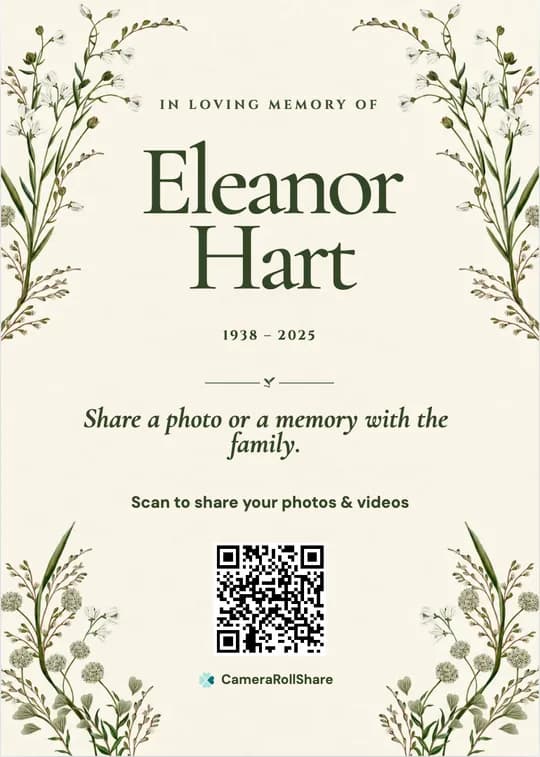
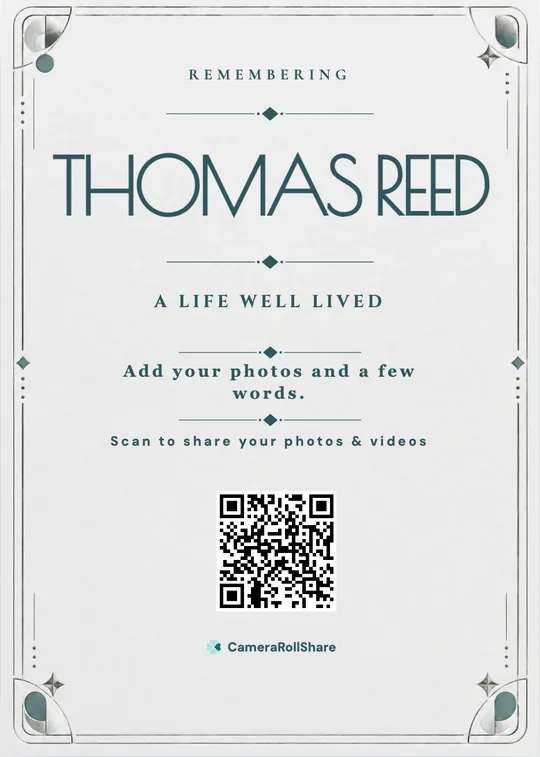
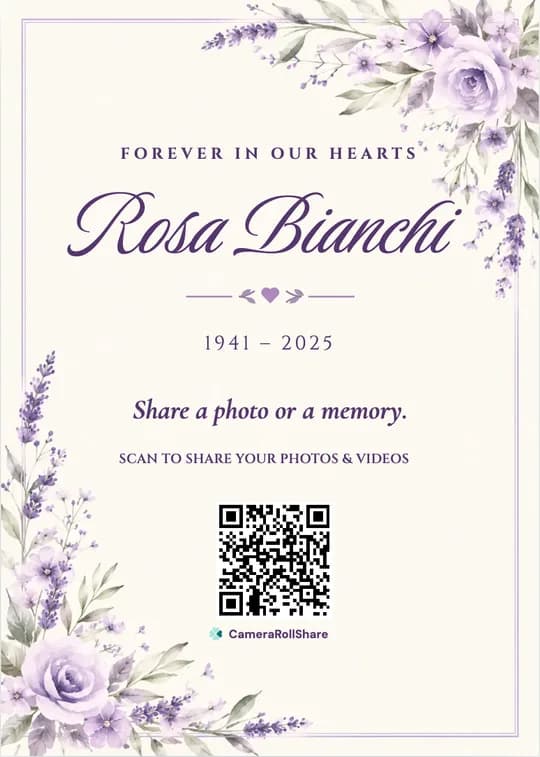
After you create your event, pick a printable QR card template and add your own names and date.
After a loss, photos tend to arrive in pieces: a few in each family chat, some by email, others on phones no one thinks to ask about.
 CameraRollShare
Most memorials fit the Free Trial for a small family gathering, or Premium (500 uploads); Premium+ keeps everything for 60 days after closing, which families often prefer.
Try it out, no credit card needed.
For most celebrations.
For bigger guest lists.
We help families gather the photos and memories of everyone who knew them, in one quiet place.
“My aunt in Australia couldn’t travel for the service. She photographed her old prints of my father and wrote a few lines under each. We had never seen most of them.”
“We put the QR code on the order of service. People kept adding photos for weeks, and at the end we downloaded everything once and shared it with the whole family.”
“I’m not good with phones, but the page opened straight away. I added two photos from our school days and a short memory.”
Create a private gallery, send its link to the family chat and by email, and print its QR code on the order of service. Everyone adds their photos and memories from a phone or a computer, with nothing to install, and the whole family sees them in one place.
Ask the family to add their photos before the service, including photos of old prints. At the reception, open the gallery on a laptop connected to a screen and press Live slideshow. It plays every photo in turn, and new ones join within about 15 seconds.
Yes. Send them the link. They can add photos and written memories from anywhere, and, with guest viewing on, watch the slideshow from home during the reception. The page works in English, French or Italian.
Yes. It isn’t a public memorial website: the gallery isn’t listed anywhere and only opens with your QR code or link. Anyone the link is forwarded to may also be able to open it, so share it with family and friends only. You can also turn off guest viewing, so people can add photos without seeing the others.
The gallery stays open until you close it, so people can keep adding memories in the weeks after the service. After you close it, files stay available for 14 days on the Free Trial, 30 on Premium and 60 on Premium+, and are then deleted. Download the ZIP file and the guestbook PDF before then.
Yes. The person who created the gallery can hide any photo or message from the dashboard, and it leaves the gallery and the slideshow. Hidden items can be restored later. To check everything first, turn on approval before sharing the link.
No. They scan the QR code or tap the link, and the page opens in their phone’s browser. There is nothing to install and nothing to sign up for.
Yes. Choose the messages in your dashboard and download them as a guestbook PDF to print or share, and download every photo and video as a ZIP file.
Yes. Download the QR code as an image for the order of service, or pick a printable card template, add their name and dates, and print remembrance cards and a small sign for the photo table.
The Free Trial costs nothing and covers 50 photos, videos or messages. Premium is €19.95 for 500 uploads and Premium+ is €39.95 for 2,000, each paid once, with no subscription. Premium+ also keeps files for 60 days after closing.
Create your private event space, share one link, and let every guest add their view.
Start your event