01
Create the graduation event
Add the graduate’s name and the date, and pick a theme in the school colours.
- Add the graduate’s name and the date.
- Pick a theme and a cover photo.
- Get your upload page and gallery.
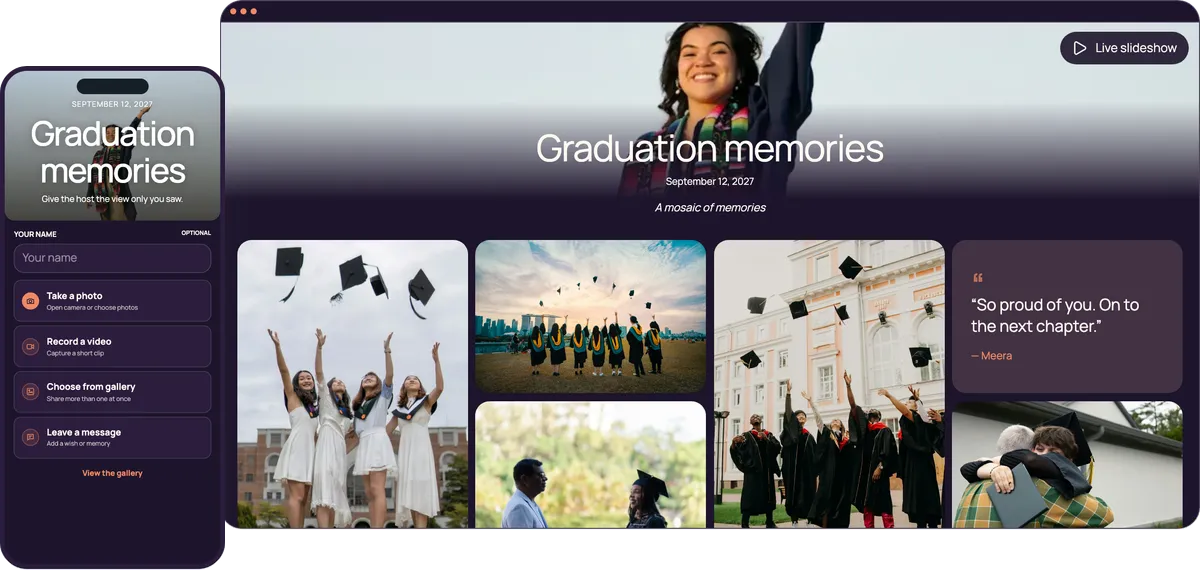
Grandparents at the ceremony, cousins at the lunch and classmates at the party all scan the same QR code and add their photos and videos to one private gallery. No app, no account, and the graduate doesn’t have to run it.
Start free. No app required.
Grandparents, teachers, cousins and classmates share the same way, whichever part of the day they came to: scan, pick, upload.
The same code works at the ceremony, the lunch and the party.
No app or account, so the ceremony crowd shares as easily as the classmates.
Post the link there, so relatives who couldn’t come can watch and add theirs.
The live slideshow plays the morning’s photos while the party is on.
Ten minutes to set up, in the week before the ceremony.
Add the graduate’s name and the date, and pick a theme in the school colours.
Post the link in the family chat before the ceremony and print the QR for the party sign.
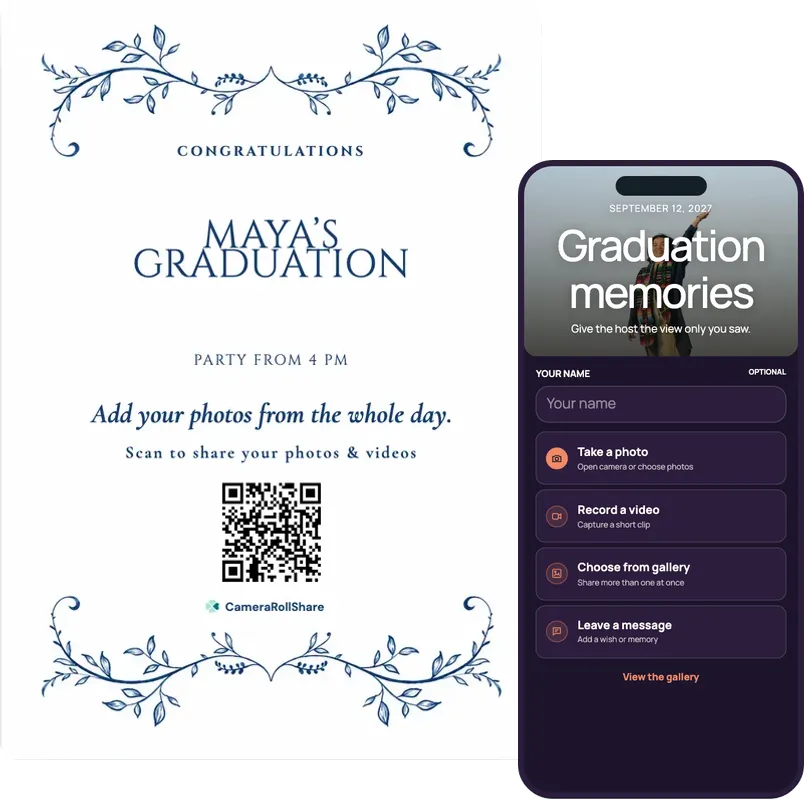
Open the live slideshow on a TV at the party, so the morning’s photos play while guests arrive.
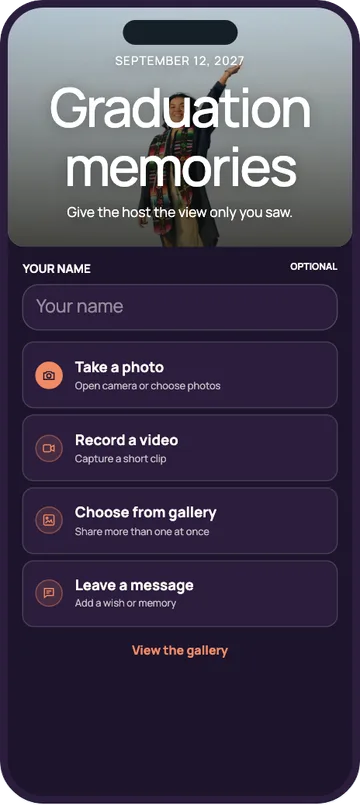
One simple upload screen for guests. One beautiful gallery for everyone invited.
Graduation memories
September 12, 2026
A mosaic of memories





Choose a style to see your upload page and gallery change
72 possible combinations of themes and layouts
Create your own eventA graduation is rarely one event. The ceremony, the lunch and the party each bring different people and different photos. One event and one QR code cover all three, and the host keeps the gallery tidy in between.
After you create the event, pick a QR card template, add the graduate’s name and the times, and print it. The same QR code works for the whole day.
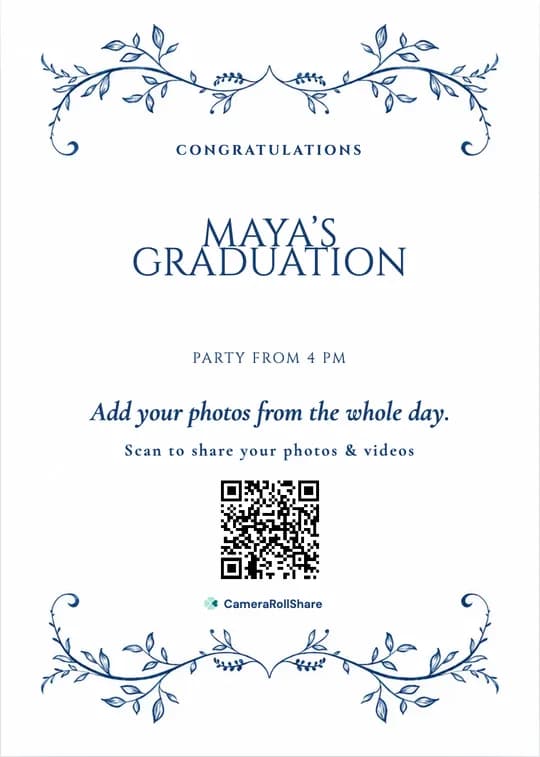
A sample sign made with the Royal Blue Vines template. Your own QR code and text replace the sample.
What families ask about most in May and June, from the ceremony seats to the last guest at the party.
Create one event for the whole day. The QR on the party sign and the link in the family chat lead to the same gallery, so the photos from the stage and from the backyard end up side by side.
The graduate has a gown to return and friends to see. A parent or a sibling usually creates the event, runs the slideshow and downloads the ZIP file afterwards, then shares the gallery link with the graduate.
They can upload from their seats, or from home that evening. The upload page opens in any phone browser, in English, French or Italian, with no app or account.
Put the live slideshow on a TV near the cake table. Add a few photos from the graduate’s school years before the day, and they play next to the ceremony photos.
When several families share one big party, our guide to party photo sharing covers the live photo wall and how to get every guest uploading.
Graduation often lands close to a birthday. A QR code for birthday party photos works the same way, with a playbook for keeping a surprise until the cake comes out.
A graduation day moves from place to place. Put the QR where each crowd stops with a phone in hand.
Every party guest walks past it. A framed QR at the entrance gets classmates uploading before they find the food.
The cake and the toast bring everyone together. A small sign there catches the moment with the most phones out.
The ceremony venue rarely has room for a sign. Post the link in the family chat the night before, so grandparents and cousins can upload from their seats.
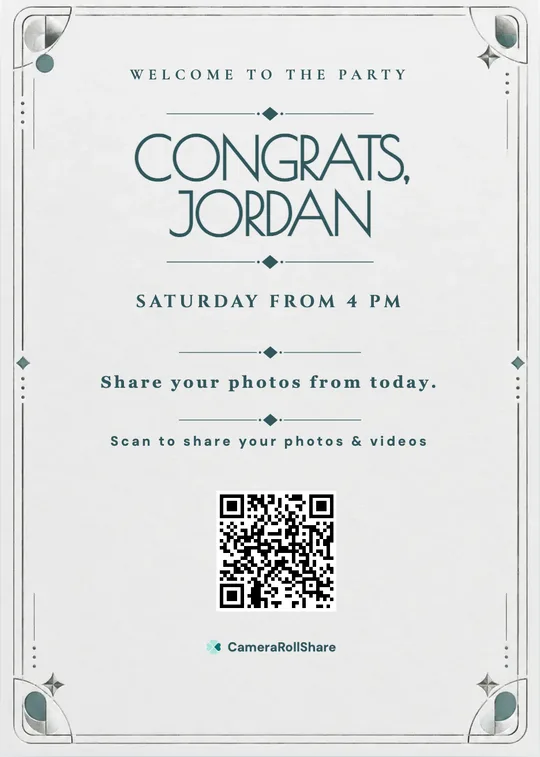
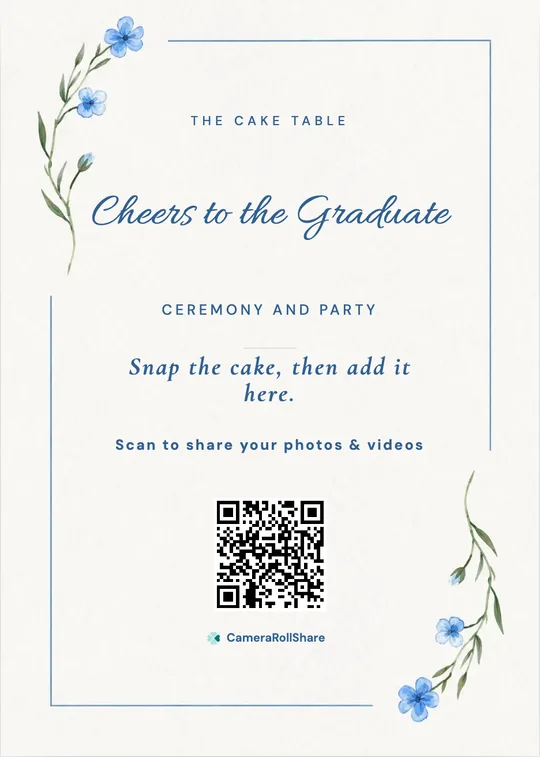
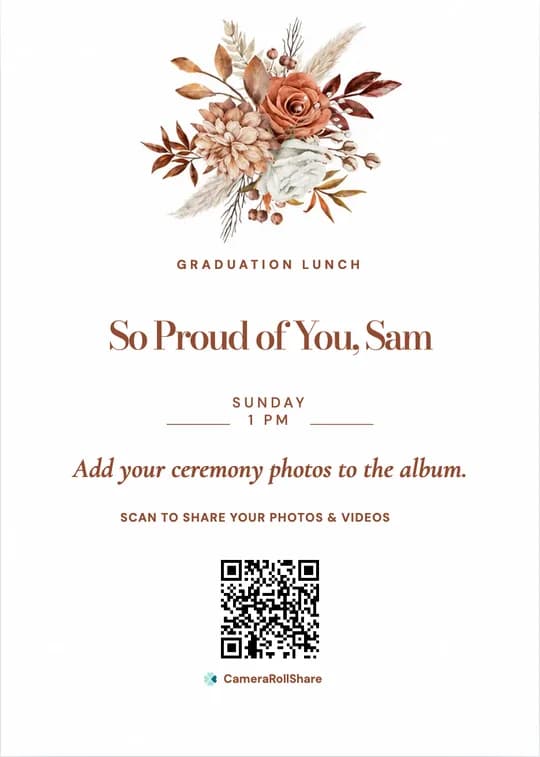
After you create your event, pick a printable QR card template and add your own names and date.
Graduation photos usually end up compressed and scattered across family chats, while the school’s official photos only show the walk across the stage.
 CameraRollShare
A graduation lunch with close family fits the Free Trial (50 uploads) or Premium; for a big party, or one gallery for the whole day, choose Premium (500 uploads).
Try it out, no credit card needed.
For most celebrations.
For bigger guest lists.
We’re here to help hosts bring their guests’ photos together and make every event more memorable.
“My mother sat at the back of the ceremony and uploaded from her seat. At the party that evening, her photos of the stage were the first thing on the TV.”
“My brother was busy with his friends all day, so I ran it. I hid the blurry ceremony shots before the party and sent him the ZIP file the next morning.”
“I only came to the party, but I scrolled through the ceremony photos on my phone and added mine from the backyard.”
Open the live slideshow on a laptop connected to the TV. The ceremony photos taken that morning play first, new uploads from the party join within about 15 seconds, and your QR code shows in the corner. Add a few photos from the graduate’s school years before the day to mix in.
Yes. One event has one QR code and one gallery, and it stays open until you close it. Post the link in the family chat for the ceremony and print the same QR for the party sign, so every photo ends up in the same place.
Yes. The Free Trial costs nothing and covers 50 photos, videos or messages, enough for a graduation lunch. For a bigger party, Premium is €19.95 for 500 uploads and Premium+ is €39.95 for 2,000, each paid once per event, with no subscription.
Yes. Send them the link in the family chat. They can upload from their seats, or from home in the evening, and watch the party slideshow if guest viewing is on. There is no app to install and no account to create.
No. Guests scan the QR code or tap the link, and the upload page opens in their phone’s browser, in English, French or Italian. Classmates and grandparents share the same way.
Your gallery isn’t publicly listed and only opens with your QR code or link, so share it with your guests and family only. Anyone they forward the link to may also be able to open it. You can hide any photo, or turn on approval so nothing appears before you have checked it.
Yes. Turn on “Require approval before appearing in Gallery” in your event settings, and new uploads wait until you approve them. Or leave it off and hide the blurry ceremony shots from your dashboard before the party; you can restore them later.
Download every photo and video as a ZIP file from your dashboard and the written messages as a guestbook PDF, then send them to the graduate or share the gallery link. Files stay available for 14, 30 or 60 days after you close the event, depending on the plan.
Yes. Download the QR as an image or pick a printable QR card template, add the graduate’s name and the party time, and print it for the entrance and the cake table. You can also add it to the party invitation.
Yes, until you close the event. Many guests upload the next day, once they have looked through their camera roll. After you close it, files stay available to download for 14, 30 or 60 days, depending on the plan.
Create your private event space, share one link, and let every guest add their view.
Start your event