01
Create your baby shower event
Add the parents’ names, the date and a soft theme.
- Add the parents’ names and the date.
- Pick a theme and a cover photo.
- Get your upload page and gallery.
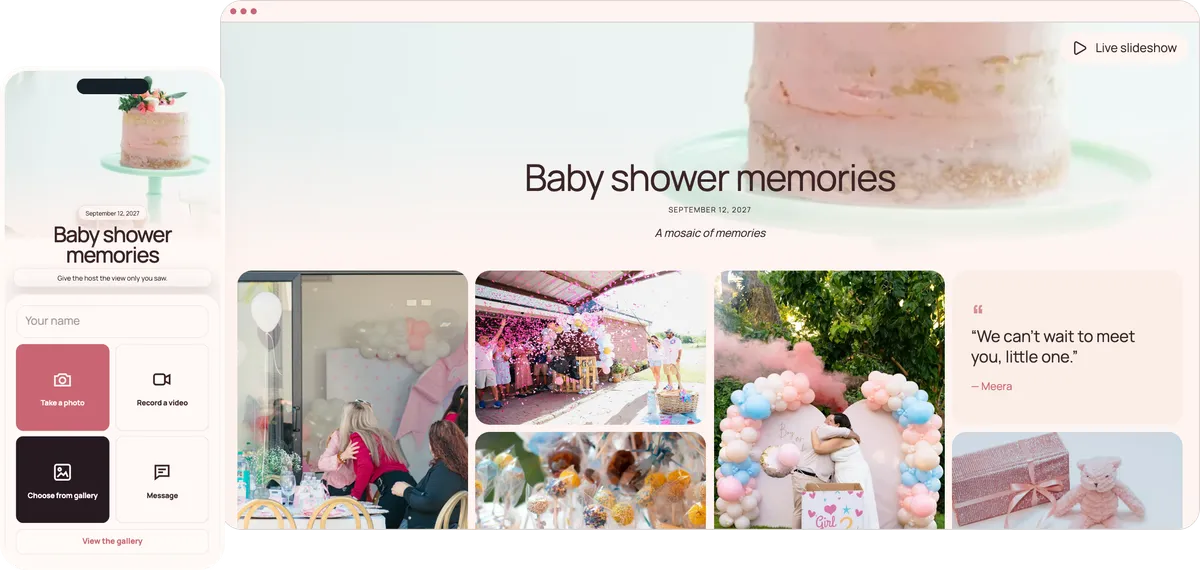
Guests scan one QR code at the gift table and add their photos, videos and advice for the parents-to-be to a private gallery. Family who can’t come can watch and add theirs from home. No app, no account.
Start free. No app required.
Grandmothers, colleagues and the friend joining from another country all share the same way: scan, pick, upload.
Guests scan it while the presents are opened.
Send them the link to watch the slideshow and add wishes from home.
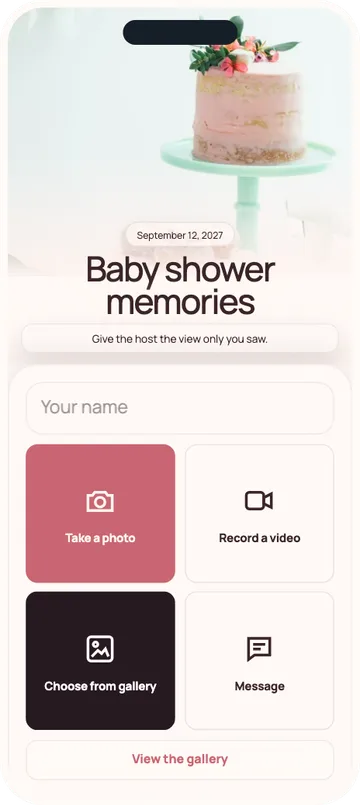
Guests leave a message for the parents in the same place.
Download every message as a guestbook PDF to print.
Ten minutes to set up, even when you are the friend organising it.
Add the parents’ names, the date and a soft theme.
Print it for the welcome sign and the gift table, and send the link to family who can’t make it.
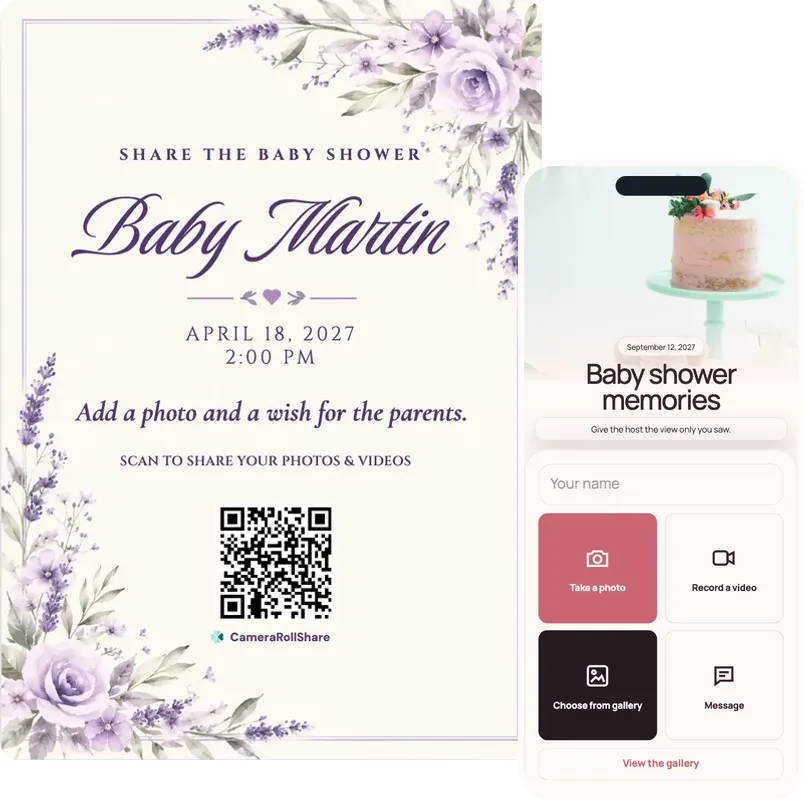
Open the live slideshow on a TV, so guests in the room and at home see the gifts and games as they happen.
One simple upload screen for guests. One beautiful gallery for everyone invited.
Baby shower memories
September 12, 2026
A mosaic of memories
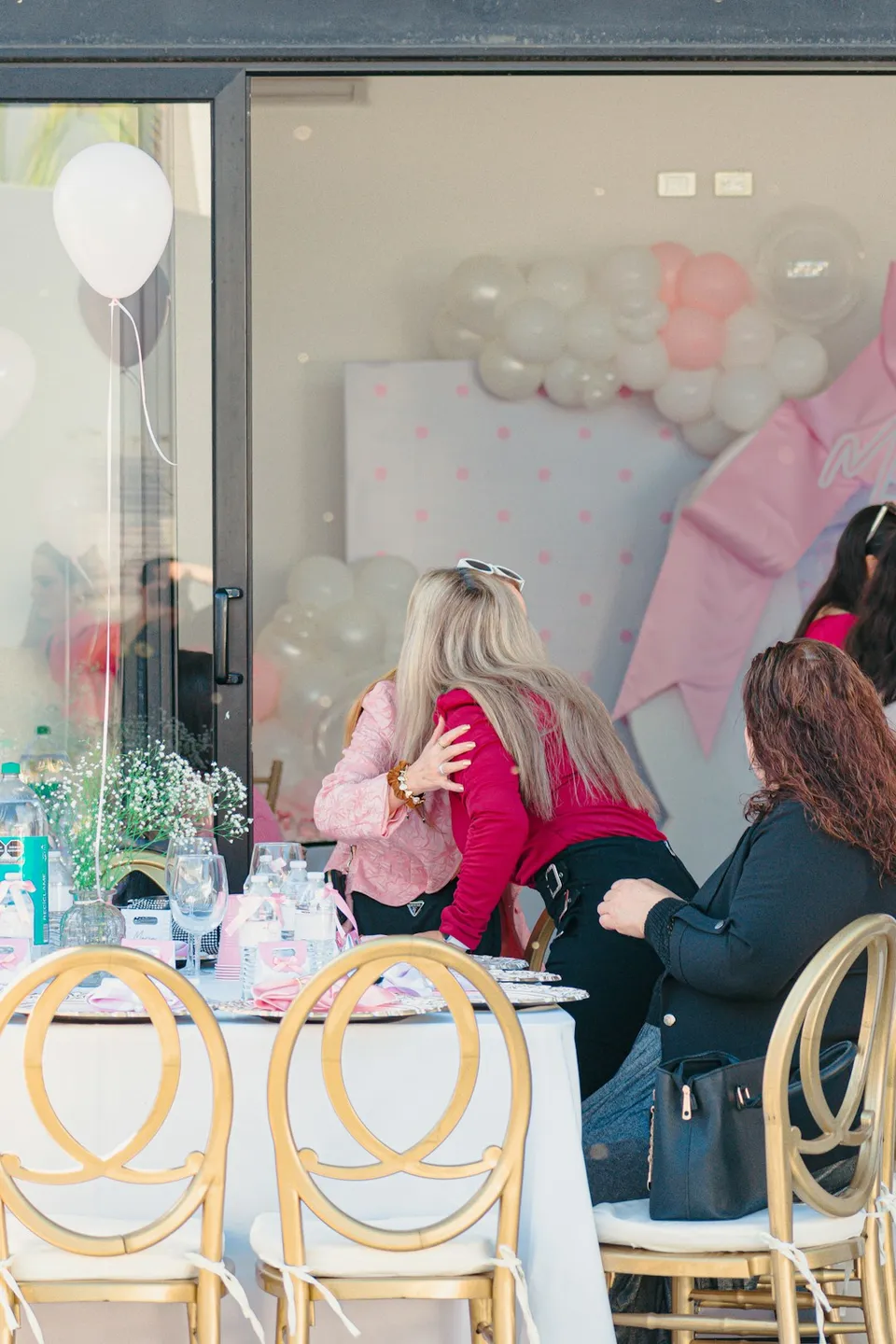
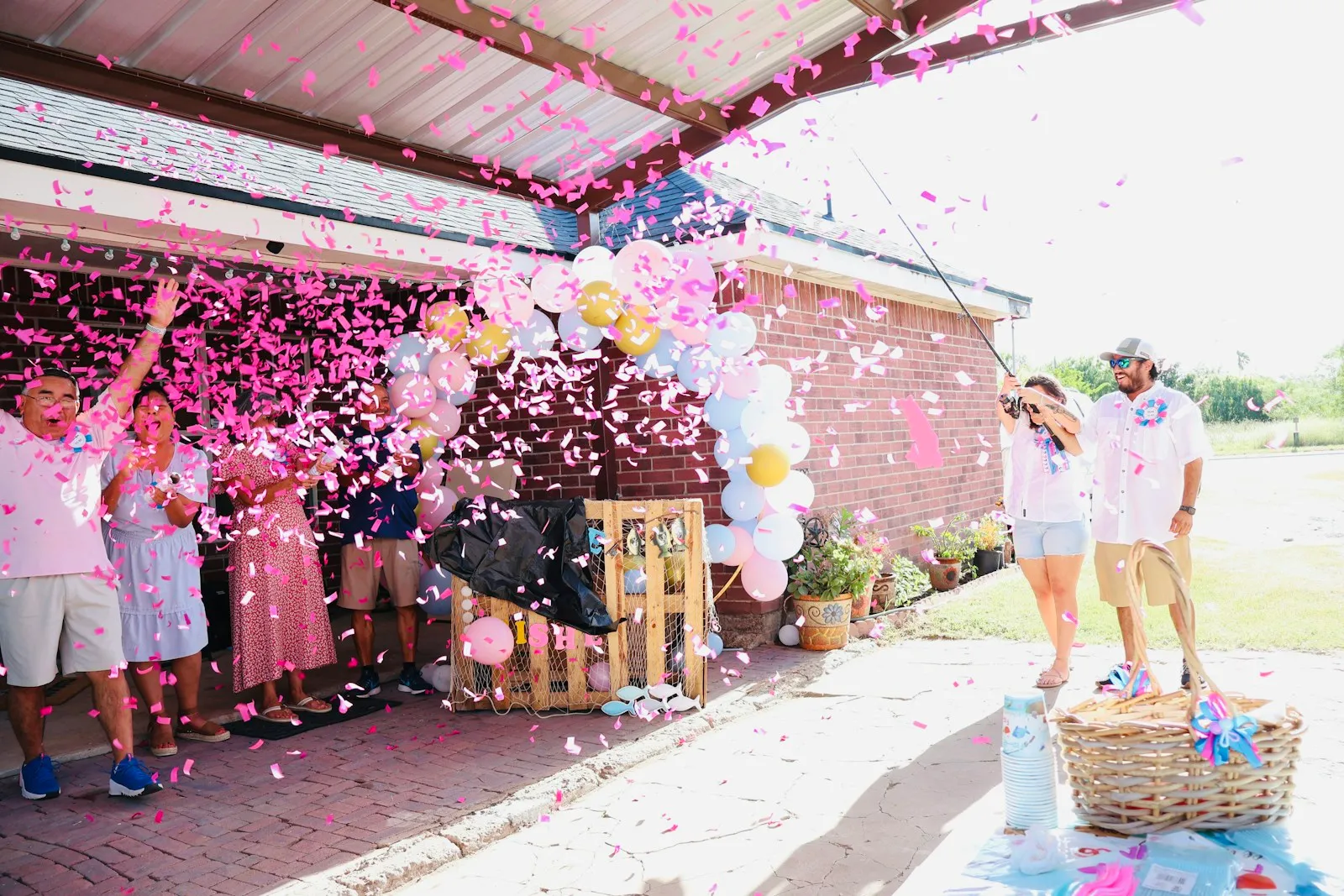
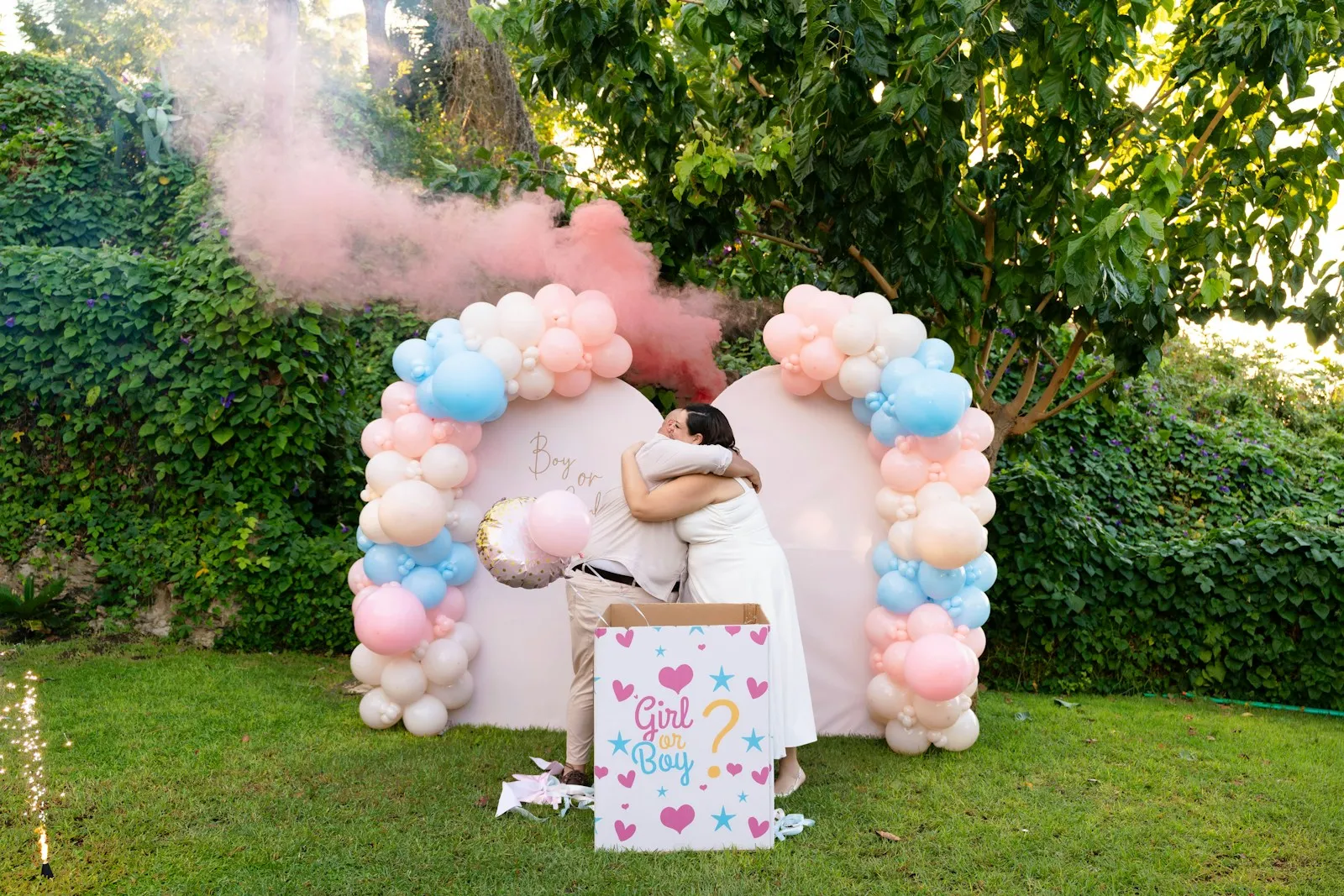
Choose a style to see your upload page and gallery change
72 possible combinations of themes and layouts
Create your own eventGuests write their advice and wishes in the message field, right next to their photos. After the shower, you download every message as a guestbook PDF: a keepsake the parents can print and keep.
Aunt Rosa · 14 Mar 2027One piece of advice for the 3 a.m. feeds: keep a glass of water and a snack next to the chair. You will be thirsty and hungry, and it passes faster than you think.
Priya · 14 Mar 2027A book every child should have: Where the Wild Things Are. Read it in your silliest voice, every single time.
Grandpa Joe · 15 Mar 2027I couldn't be there, so I watched the slideshow from home all afternoon. That cake! I can't wait to meet the little one. Love from both of us.
Sam · 15 Mar 2027Accept every offer of help, especially the ones that come with dinner. Nobody expects a tidy house.
Maya · 15 Mar 2027My guess: born on 3 April, 3.4 kg, with dark hair like Dad. I'm writing it down so you can check!
Uncle Tom · 16 Mar 2027A song for long car rides: Here Comes the Sun. It worked for all three of mine.
Print a few next to the QR code or add them to the invitation. Guests pick one and write a line or two.
A keepsake in one download: after the shower, choose the messages in your dashboard and download the guestbook PDF. Print it for the parents, or send it to them with the ZIP file of every photo and video.
What hosts ask about most, from the gender reveal to the sip-and-see.
Grandparents abroad or a friend on bed rest can join from home. Send them the link: with guest viewing on, they open the gallery, play the live slideshow as photos arrive and add their own wishes, in English, French or Italian.
Ask the parents for their own baby photos before the day, or ask guests to upload a baby photo of themselves when they arrive. The live slideshow plays them next to the photos from the shower, so guests can guess who is who.
Baby showers are often organised by a sister or a best friend. Create the event under your own account and run it on the day, then download the ZIP file of photos and videos and the guestbook PDF and send them to the parents.
The gender reveal before and the sip-and-see after the birth bring different guests. Create one event per occasion, each with its own QR code and gallery, or keep one event open from the reveal to the sip-and-see.
The first birthday comes round fast. A QR code for birthday party photos works the same way, with a playbook for keeping a party secret until the cake comes out.
Is a wedding coming up as well? A QR code for wedding photos collects the guests’ photos the same way, from the ceremony to the last dance.
A baby shower moves from station to station. Put a sign wherever guests stop with a phone in hand.
Guests pass it first. A QR on the welcome sign gets the first photos in early and reminds everyone to leave a message for the parents.
Gift opening is when every phone comes out. A small sign among the presents catches guests at the moment with the most photos.
Guests linger over games and cake. Put the QR next to the prompt cards, so they write their advice while they wait for a slice.
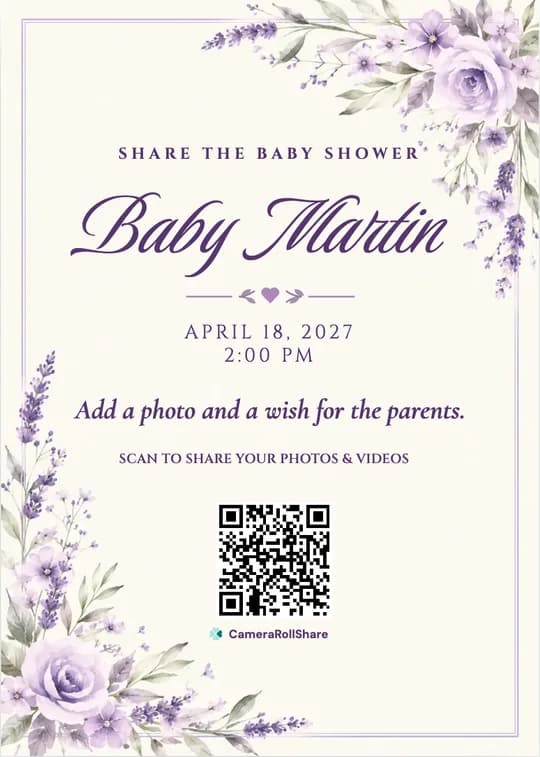
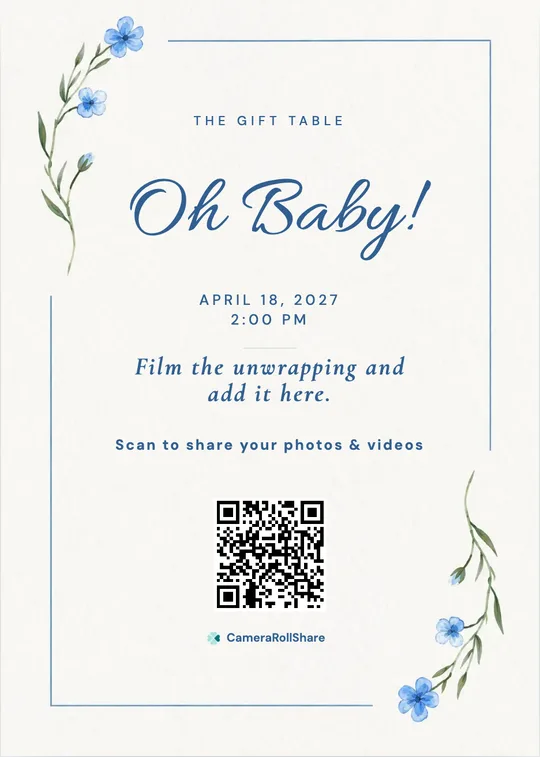
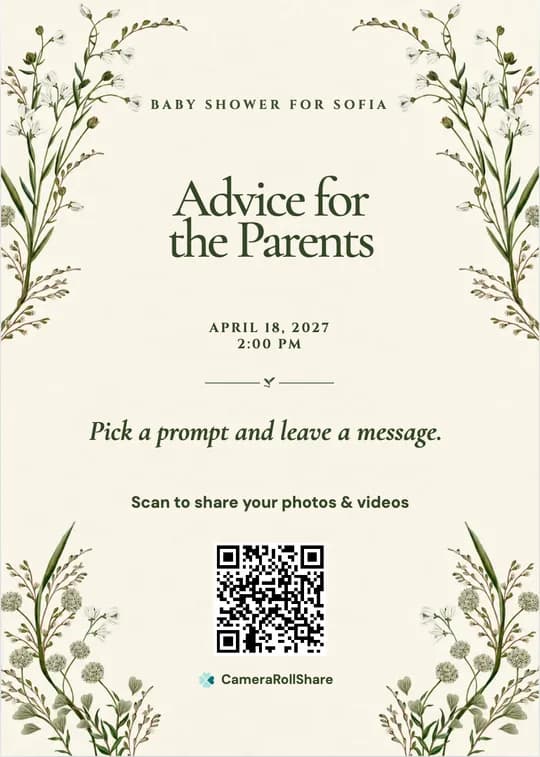
After you create your event, pick a printable QR card template and add your own names and date.
Baby shower photos usually end up split between the family group chat and a Facebook album that half the guests can’t add to, or would rather not post on.
 CameraRollShare
Most baby showers fit the Free Trial for a small gathering or Premium (500 uploads); choose Premium+ when the same gallery also covers the gender reveal and the sip-and-see.
Try it out, no credit card needed.
For most celebrations.
For bigger guest lists.
We’re here to help hosts bring their guests’ photos together and make every event more memorable.
“My sister lives in Canada and couldn’t fly over. She watched the slideshow from her kitchen and left the sweetest advice for the 3 a.m. feeds.”
“I organised the shower for my best friend, so I downloaded the photos and the guestbook PDF and sent them to her the next day. She printed the PDF for the nursery.”
“The QR next to the gift table worked: everyone filmed the unwrapping, and the clips were in the gallery before the cake came out.”
Collect the parents’ own baby photos before the day, or ask guests to upload a baby photo of themselves when they arrive. Open the live slideshow on a laptop connected to the TV: the baby photos play next to the photos from the shower, new uploads join within about 15 seconds, and your QR code shows in the corner.
Send them the event link. With guest viewing on, they can open the gallery, play the live slideshow while the shower is happening and add their own photos and wishes from home. There is no app or account to set up, and the page works in English, French or Italian.
Yes. The Free Trial costs nothing and covers 50 photos, videos or messages, enough for a small shower. For more guests, Premium is €19.95 for 500 uploads and Premium+ is €39.95 for 2,000, each paid once per event, with no subscription.
Yes. As well as photos and videos, guests can leave a written message of up to 2,000 characters. After the shower, choose the messages in your dashboard and download them as a guestbook PDF to print for the parents.
Yes. Create a separate event for the gender reveal, with its own QR code and gallery, or keep one event open from the reveal to the sip-and-see. One gallery for several occasions collects more uploads, so Premium+ (2,000) is the safer choice.
No. Guests scan the QR code or tap the link, and the upload page opens in their phone’s browser. There is nothing to install and no account to create, so grandparents can share as easily as anyone.
Your gallery isn’t publicly listed and only opens with your QR code or link, so share it with your guests and family only. Anyone they forward the link to may also be able to open it. You can hide any photo, or turn on approval so nothing appears before you have checked it.
Download every photo and video as a ZIP file from your dashboard and the messages as a guestbook PDF, then send them to the parents. You can also share the gallery link with them on the day. Files stay available for 14, 30 or 60 days after you close the event, depending on the plan.
Yes. Download the QR as an image or pick a printable QR card template, add the parents’ names and the date, and print it for the welcome sign, the gift table and the dessert table. You can also put it on the invitation.
Yes. Turn on “Require approval before appearing in Gallery” in your event settings, and new uploads wait in your dashboard until you approve them. Without approval, hide any photo from the dashboard and it leaves the slideshow; you can restore it later.
Create your private event space, share one link, and let every guest add their view.
Start your event