01
Create the quinceañera event
Add her name and the date, and pick a theme that matches the colours of the day.
- Add her name and the date.
- Pick a theme and a cover photo.
- Get your upload page and gallery.
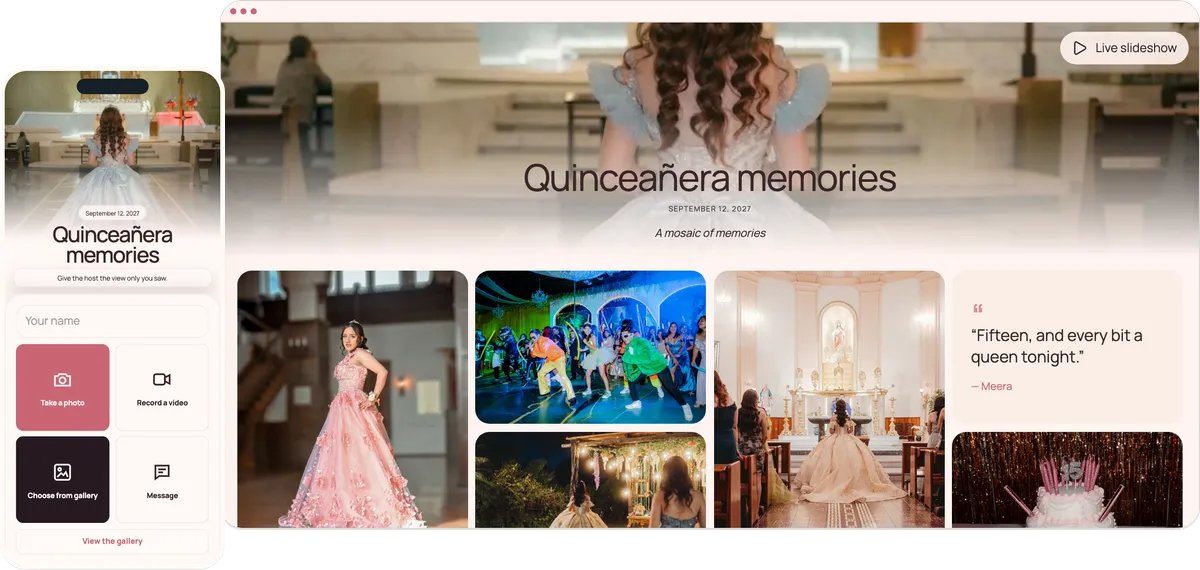
Guests scan one QR code at the reception and add their photos and videos to one private gallery, where the photographer’s shots can join them later. Family in another country can watch and add theirs. No app, no account.
Start free. No app required.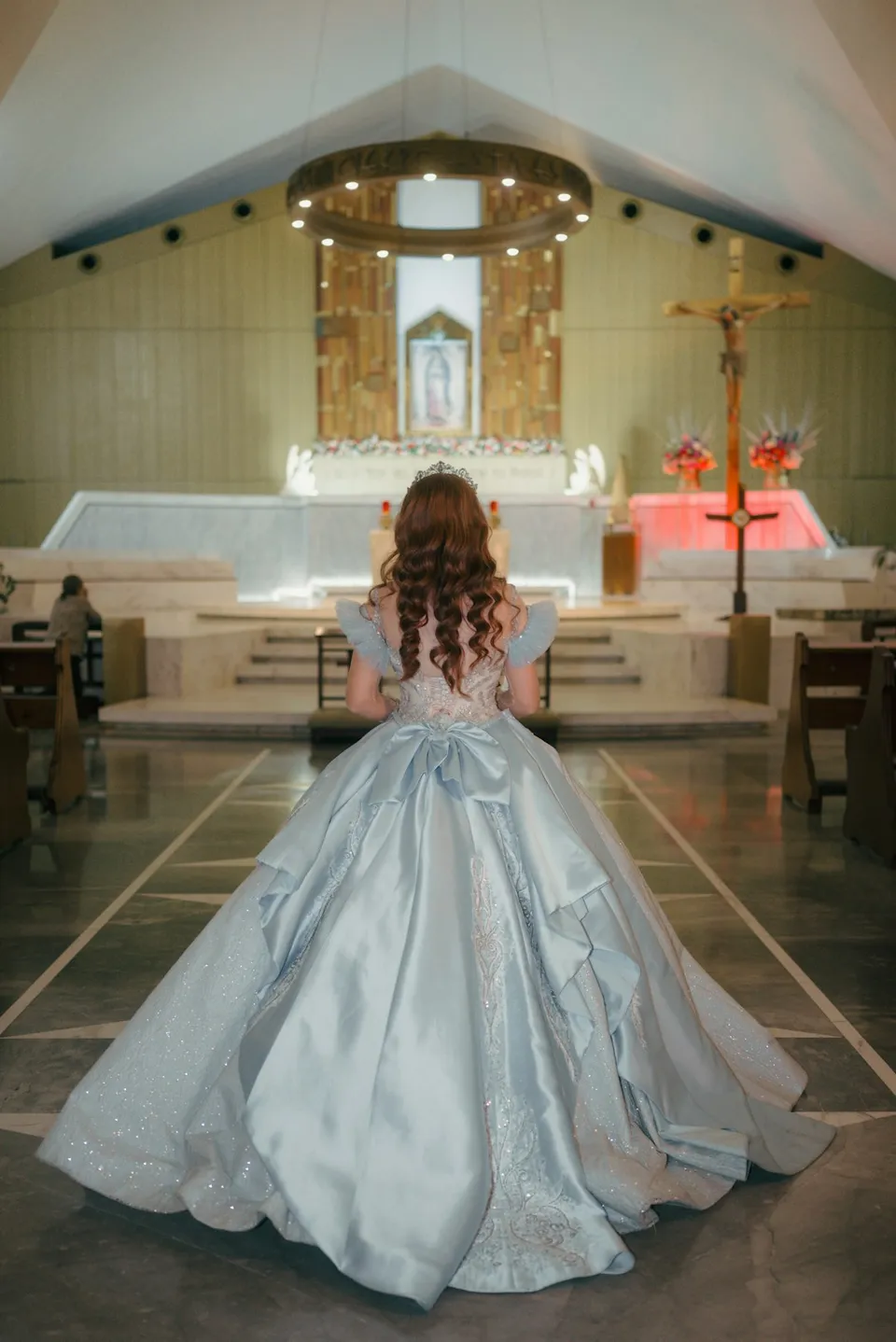
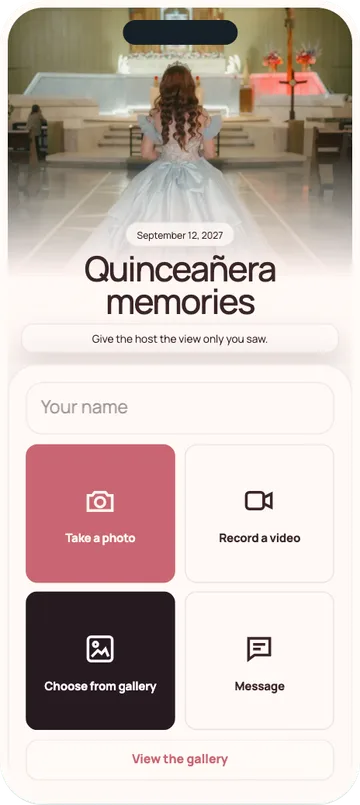
Abuelos, padrinos, the court and cousins abroad all share the same way: scan, pick, upload.
Guests scan it between the dances.
Send the link so relatives in another country can watch and add theirs.
Damas and chambelanes add their own photos from the dance floor.
Download every photo and video in one ZIP file.
Ten minutes to set up, while the family handles everything else.
Add her name and the date, and pick a theme that matches the colours of the day.
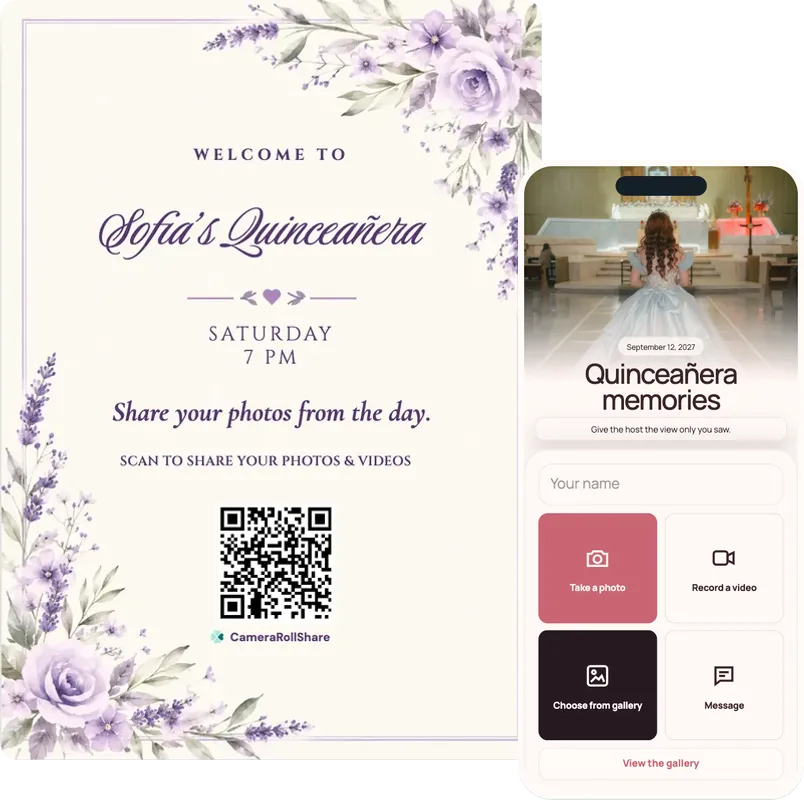
Send the link in the family chat and put the QR on the entrance sign and every table.
Open the live slideshow on a screen, so guests see the mass and the waltz while the reception goes on.
One simple upload screen for guests. One beautiful gallery for everyone invited.
Quinceañera memories
September 12, 2026
A mosaic of memories
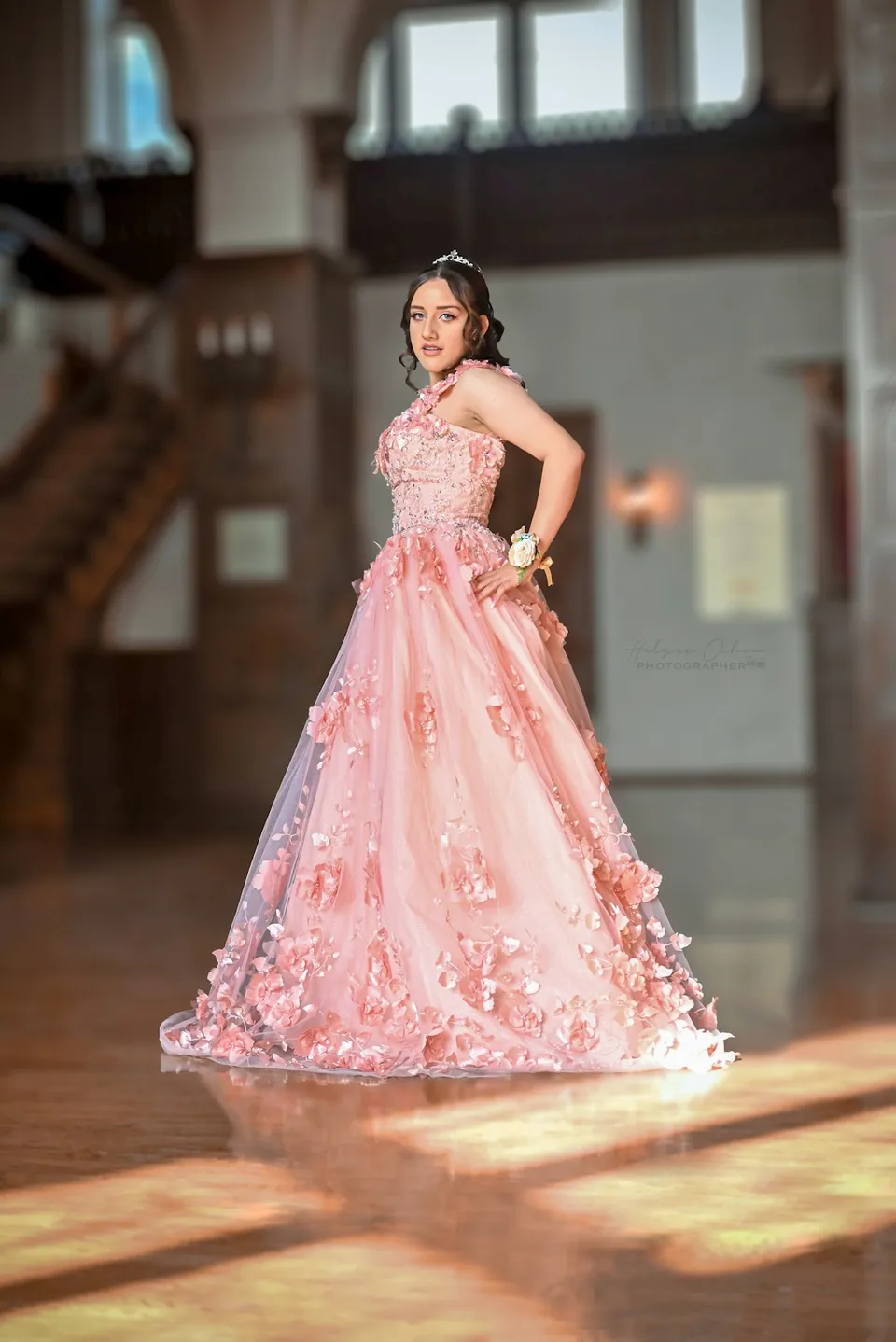

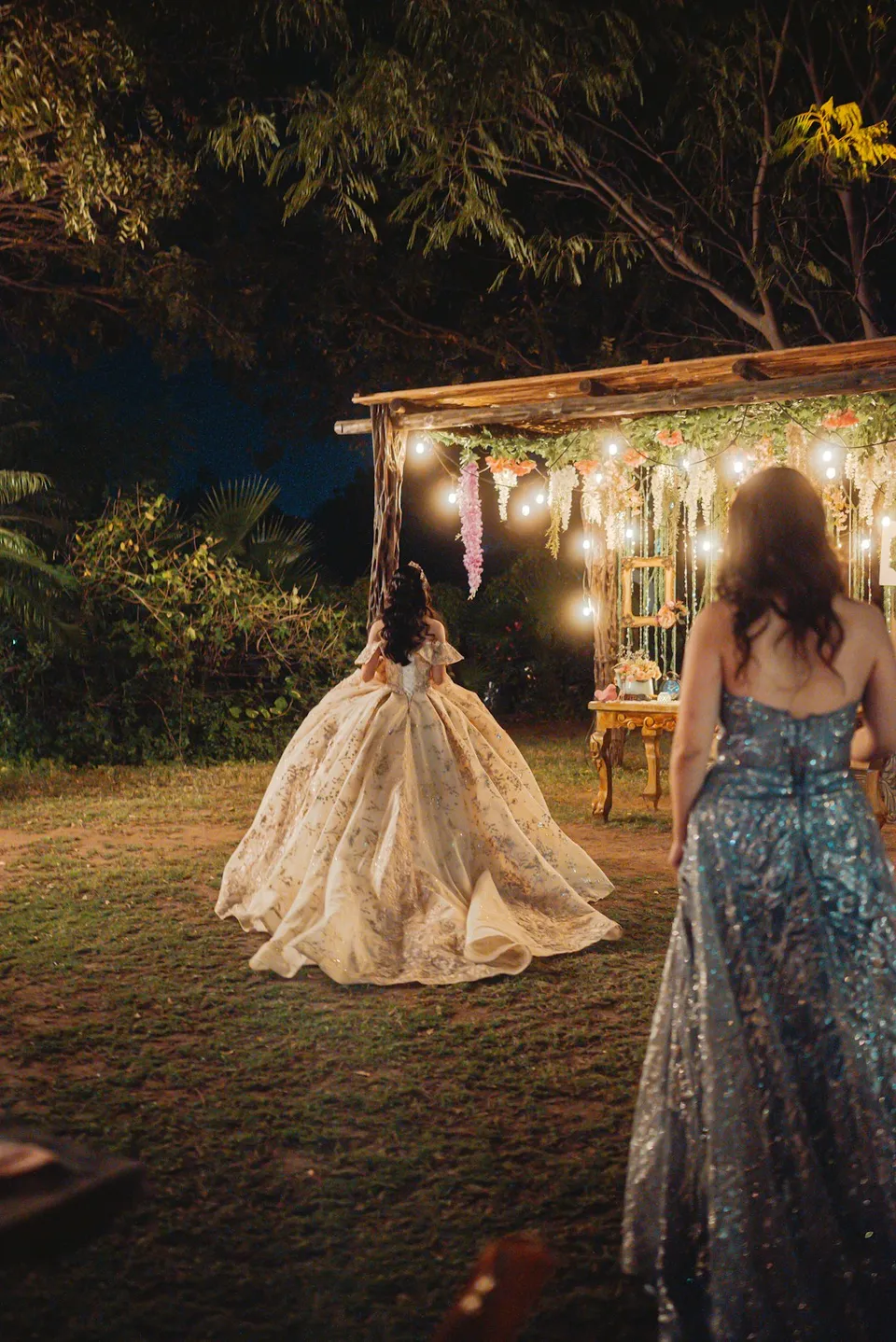

Choose a style to see your upload page and gallery change
72 possible combinations of themes and layouts
Create your own eventEight moments families ask about, and who usually catches each one. Print a few next to the QR code, so nobody misses them.
Usually captured by: The cousins by the door, phones up as she walks in with her court.
Usually captured by: Parents and padrinos at the edge of the dance floor, filming it from start to finish.
Usually captured by: The front tables. Ask one relative to film it up close: it is over in a minute.
Usually captured by: The grandmothers and aunts, who know the tradition and stand closest.
Usually captured by: Whoever sits across from the padrinos. The speeches are often filmed in full.
Usually captured by: The damas and chambelanes waiting their turn, and every teenager in the room.
Usually captured by: Everyone. A sign on the cake table sends those photos to the album instead of leaving them on phones.
Usually captured by: The photographer, with a dozen phones behind. The guests’ angles show what the formal shot doesn’t.
One gallery for every camera: the photographer’s formal shots and the guests’ phone photos end up side by side. When the photographer delivers, upload their selection to the same event, and the family has the whole day in one place.
What families ask about most, from the mass to the last dance.
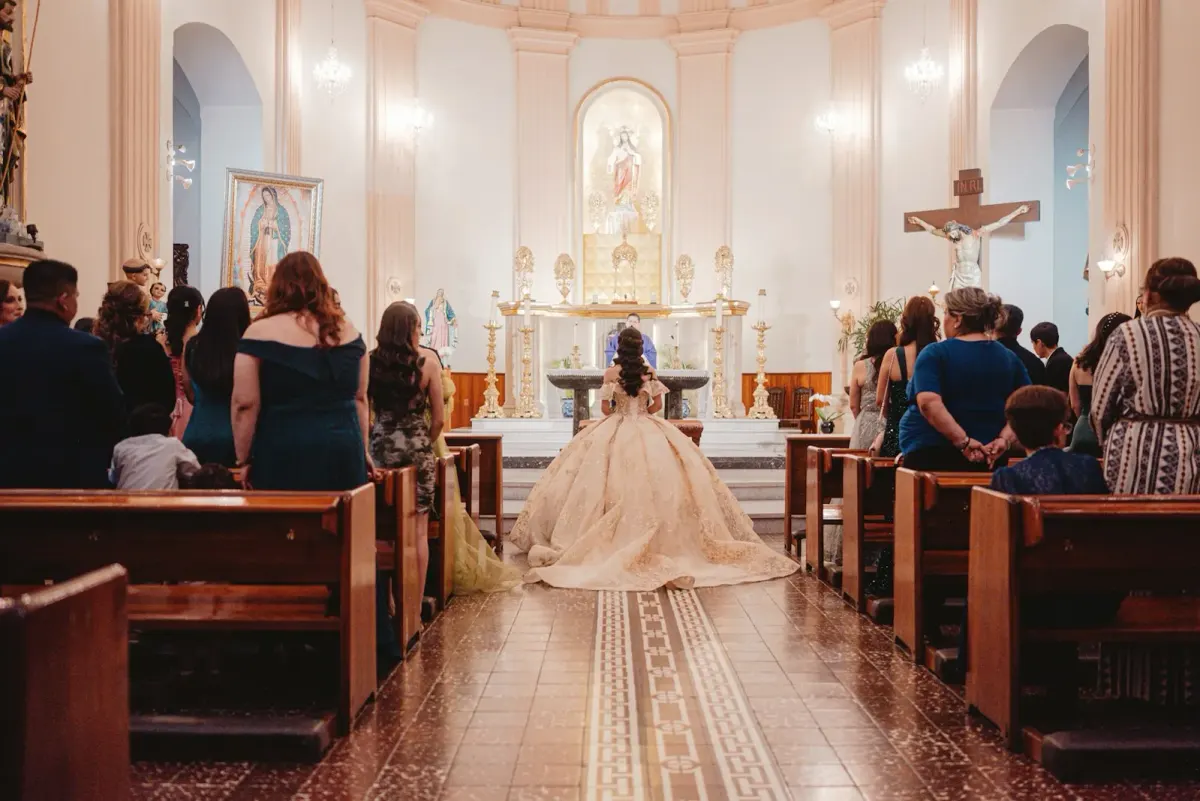
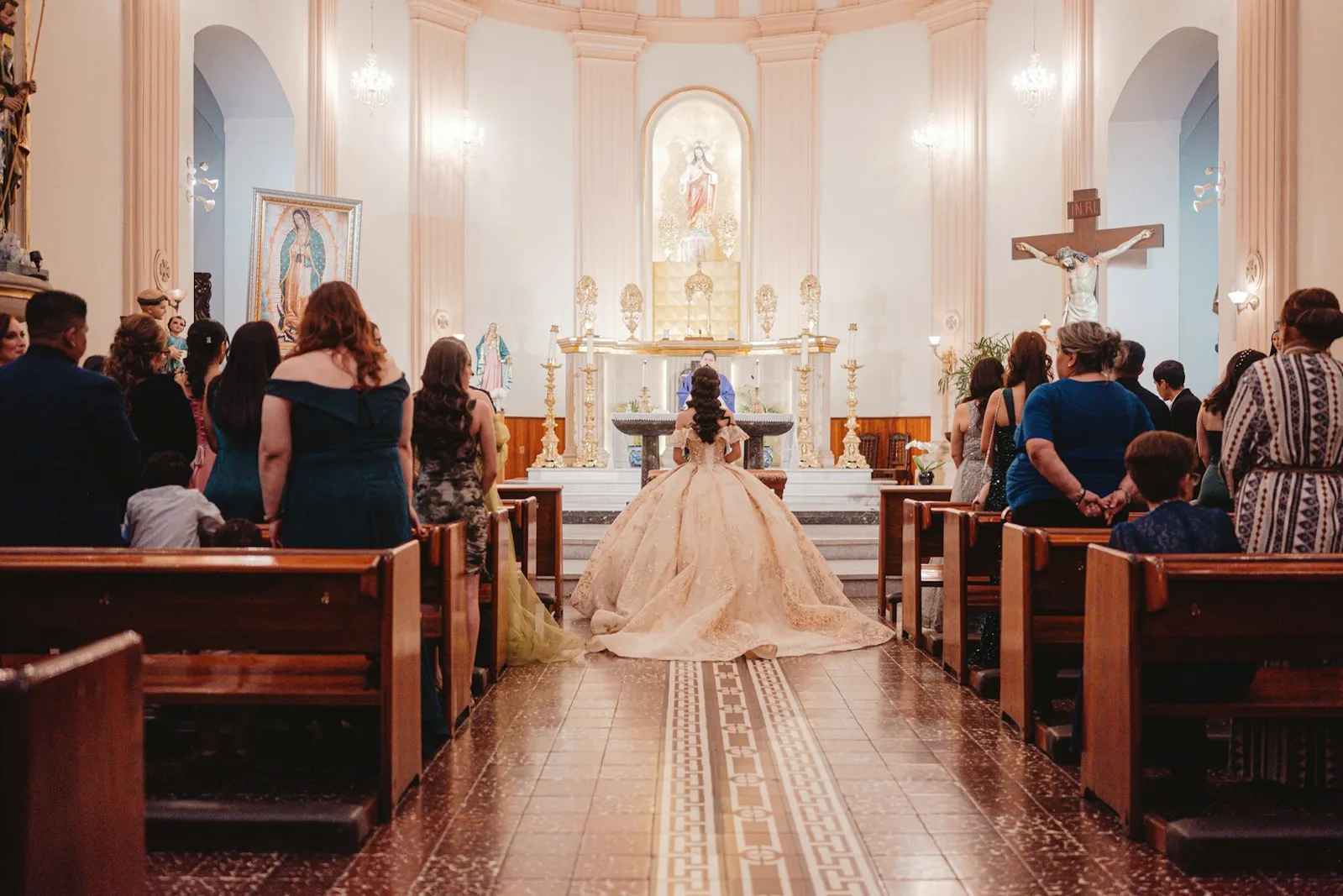
The mass or ceremony in the afternoon and the reception at night are two parts of one day. One event covers both, so the church photos and the dance floor end up in the same gallery.
The damas, the chambelanes and the padrinos are in the middle of everything, and each of them has a phone. Share the link with the court before the day, so their photos land in the album too.
Relatives in Mexico or anywhere abroad can watch the live slideshow from home and add their own photos and wishes, with guest viewing on. Guests can switch the page to English, French or Italian; there is no Spanish version yet.
The quinceañera is busy all night. A parent, a madrina or an older cousin creates the event, runs the slideshow and downloads the ZIP file afterwards.
A sweet 16 works the same way, usually with fewer rituals and more friends. Our page on the QR code for birthday party photos has photo prompts and a playbook for surprises.
For a reception with hundreds of guests, our guide to party photo sharing covers putting the live photo wall on a big screen.
Guests move between the entrance, their table and the cake. Put a sign at each.
Guests arrive from the mass with photos already on their phones. A sign at the door gets the church photos in first.
Guests spend most of the night at their table. A small card in the centrepiece is the easiest scan of the evening.
The cake and the toast draw everyone in. A sign there catches the moment with the most phones out.
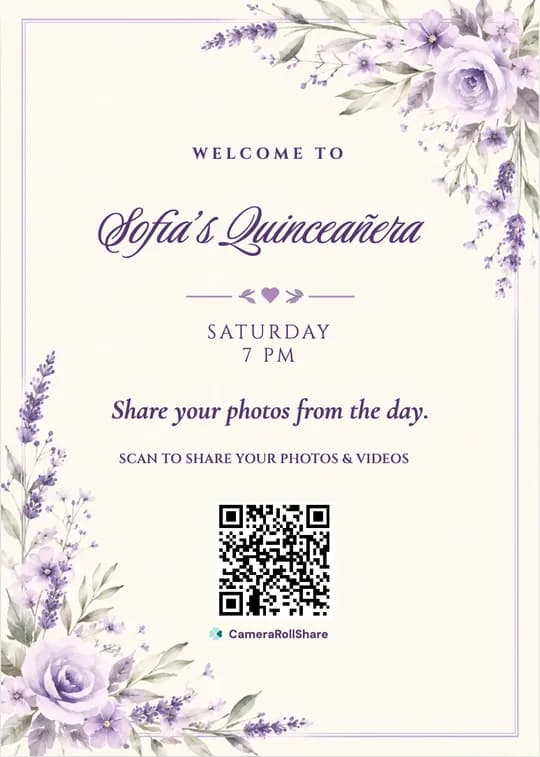
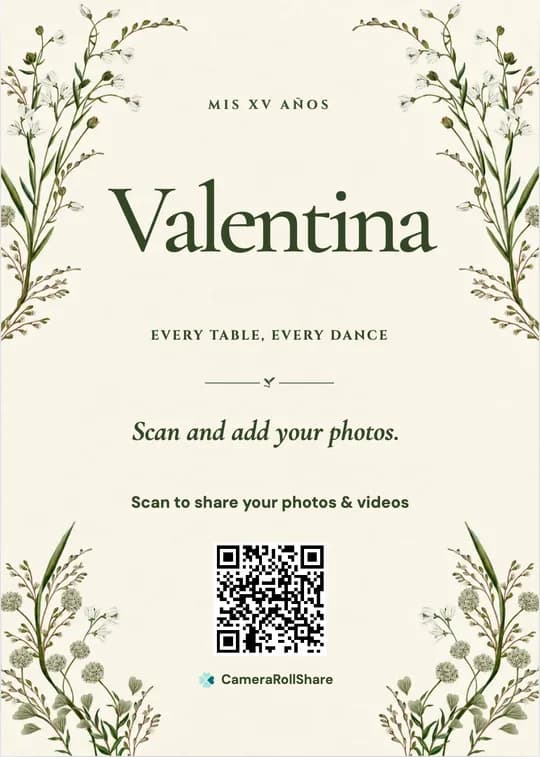
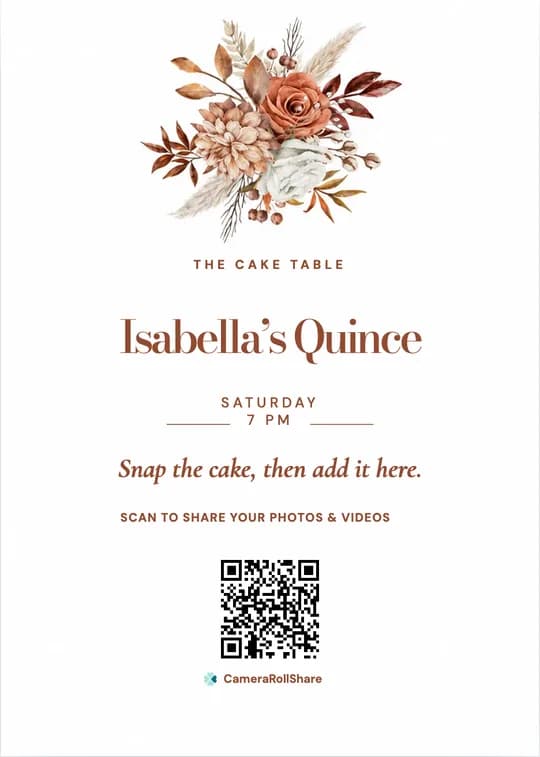
After you create your event, pick a printable QR card template and add your own names and date.
Quince photos usually split between the family chat and the photographer’s album, which arrives weeks later and mostly shows the posed moments.
 CameraRollShare
A quinceañera with a full court and family usually needs Premium+ (2,000 uploads); a smaller sweet 16 fits Premium (500 uploads).
Try it out, no credit card needed.
For most celebrations.
For bigger guest lists.
We’re here to help hosts bring their guests’ photos together and make every event more memorable.
“My parents in Guadalajara watched the slideshow live and saw the waltz minutes after it happened. My grandmother added a photo of my mother’s own quince.”
“We put a small QR card on every table. The court uploaded all night, and the surprise dance came in from six different angles.”
“The photographer’s album took weeks. The gallery had the changing of the shoes and the cake the same night.”
Yes. The Free Trial costs nothing and covers 50 photos, videos or messages, enough to try it before the day. A full quinceañera usually needs more: Premium is €19.95 for 500 uploads and Premium+ is €39.95 for 2,000, each paid once per event.
Yes. Send them the link. With guest viewing on, they can open the gallery, watch the live slideshow during the reception and add their own photos and wishes from anywhere. There is no app or account to set up.
Yes. Open the live slideshow on a laptop connected to a screen or projector. The photos from the mass play first, new uploads join within about 15 seconds, and your QR code shows in the corner.
Yes. A sweet 16 works the same way: one QR code, one private gallery and a live slideshow. A smaller sweet 16 usually fits Premium (500 uploads).
No. Guests scan the QR code or tap the link, and the upload page opens in their phone’s browser, in English, French or Italian. Abuelos share as easily as the court.
Yes. When the photographer delivers, open your event’s upload page and add their selection. The formal portraits then sit next to the guests’ phone photos in one gallery, and they count toward your upload limit.
Your gallery isn’t publicly listed and only opens with your QR code or link, so share it with your guests and family only. Anyone they forward the link to may also be able to open it. You can hide any photo, or turn on approval so nothing appears before you have checked it.
Yes. Turn on “Require approval before appearing in Gallery” in your event settings, and new uploads wait in your dashboard until you approve them. Without approval, hide any photo from the dashboard and it leaves the slideshow; you can restore it later.
Download every photo and video as a ZIP file from your dashboard, and the written wishes as a guestbook PDF. Files stay available for 14, 30 or 60 days after you close the event, depending on the plan.
Yes. Download the QR as an image or pick a printable QR card template, add her name and the date, and print it for the entrance, each table and the cake table. You can also add it to the invitation.
Create your private event space, share one link, and let every guest add their view.
Start your event