






01
Create your birthday event
Add the name and date, pick a theme that suits the age, and create your event.
- Add the birthday name and date.
- Pick a theme and a cover photo.
- Get your upload page and gallery.
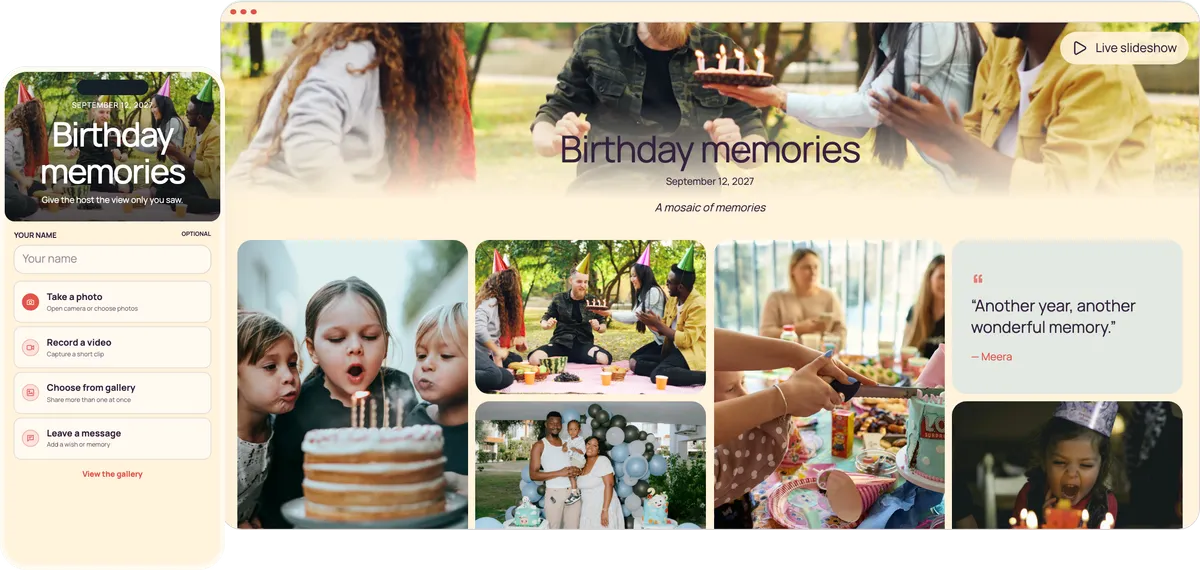

Guests scan one QR code by the cake and add their photos, videos and birthday wishes to your private album. No app download required. No guest sign-in required.
Start free. No app required.From the parents at a kids’ party to Grandpa at a ninetieth, everyone shares the same way: point the camera, tap upload.
Guests can scan it while the candles are lit and upload in seconds.
No app or account, so grandparents share as easily as teenagers.
Guests leave a message for the birthday person in the same place.
Export every message as a guestbook PDF to print or frame.
A few minutes to set up, even in the week of the party.
Add the name and date, pick a theme that suits the age, and create your event.
Send the link in the guest group chat and print the QR code for the cake table.
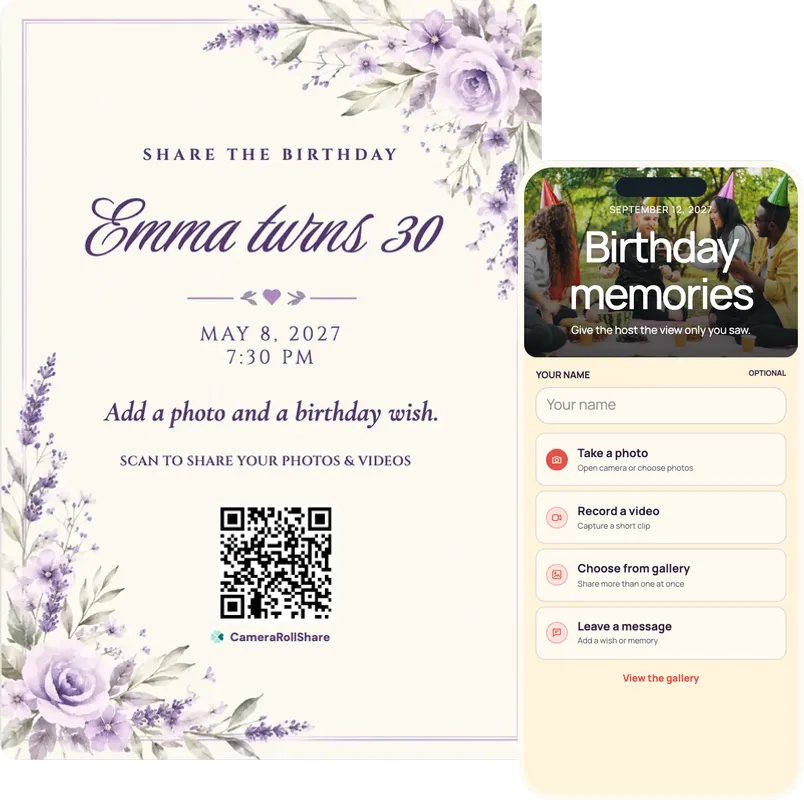
Put the slideshow on a TV or projector, and guests’ photos appear while the party is still going.
One simple upload screen for guests. One beautiful gallery for everyone invited.
Maya turns 30
August 22, 2026
A mosaic of memories



Choose a style to see your upload page and gallery change
72 possible combinations of themes and layouts
Create your own eventNo app to install, no account to make, no list of links to send around. One code takes your guests straight to your private album, and it works the same for a six-year-old’s parents as for a great-grandmother.
Old photos and messages arrive in the weeks before, the party happens on Saturday, and relatives add what they find on Sunday. One QR code and one gallery cover all of it, and the gallery stays open until you close it.
Invite your sister, your partner or the birthday person’s oldest friend by email. Moderators approve and hide photos alongside you, and viewers can follow along without changing anything.
Your gallery is private and never shows up in search engines. For a surprise, turn guest viewing off so guests can upload but not browse, then turn it on and open the slideshow when the cake comes out. At a kids’ party, approve photos first or hide any of them later.
From the kids’ table to Grandpa’s armchair, guests upload from wherever they are. Nobody installs anything: the upload page opens in any phone’s browser, iPhone or Android, in English, French or Italian, so relatives from abroad join in too.
How to collect photos and messages for weeks without the birthday person finding out, then reveal them all at cake time.
Not under a shared family login the birthday person might open. Give the event a name that only means something to the guests.
Send the link or the QR code in the group chat the guest of honour isn’t in. The gallery isn’t listed anywhere, so nobody finds it without the link.
Ask guests for an old photo and a birthday message in the weeks before. To stop guests browsing each other’s surprises, untick “Let guests view the gallery” in the settings: they can still upload.
Set up the laptop and the TV, but leave the slideshow closed. Turn guest viewing back on before the party, because the slideshow plays from the gallery, and turn on approval if you want to check every new upload first.
Open your event link on the laptop, go to the gallery and press Live slideshow. Weeks of photos appear at once, and tonight’s photos join within about 15 seconds.
After the party, export every written message as a guestbook PDF from your dashboard and download the photos and videos as a ZIP file. Print the PDF, or frame the best page.
Give guests something to look for. Print these next to the QR sign, or post a few in the group chat on the day.
Where you put the code decides how many photos you get back. Put it where guests already stand with a phone in hand. These five spots work at almost any birthday.
Add the link to the invitation or the guest group chat, so people know before they arrive. For a surprise, send it only in the chat the guest of honour isn’t in.
Guests stop at the door and the gift table anyway. A sign there gets the first photos in early and reminds people to leave a message.
Everyone gathers there for the candles with their phone already out. A sign beside the cake gets scanned at the moment with the most photos.
At a children’s party, put a sign where the parents stand while the little ones play, because parents upload for their children. The same works at the baby shower before the first birthday.
When the birthday turns into a proper party, a sign near the speakers catches people between songs, and their photos reach your gallery while the dancing goes on.
After you create your event, pick a printable QR card template and add your own names and date.
Birthday photos usually end up split between the family chat, a shared album half the guests never join, and phones nobody checks again. The cake moment is on a dozen phones, and you only ever see it on one.
Asking in the chat afterwards works the worst. Photos come back small, videos come back blurry, and you have to remind people one by one. A QR code by the cake does the asking for you. Guests scan it, add their photos at full size, and everything lands in one album.
It also gives you something a chat can’t: the wishes. Guests write a few words as they upload, and afterwards you can turn them into a guestbook PDF for the birthday person. Here’s the full comparison.
| Feature |  CameraRollShare | Family chats and shared albums |
|---|---|---|
| App download needed | No, it opens in the phone’s browser | Often yes, or a Google or Apple account |
| Photo quality | Original files, as your guests took them | Chat apps compress photos and videos |
| All photos in one place | Yes, one private album for the party | Spread across chats and albums |
| Works for all ages | Yes: scan, pick photos, done | Not always obvious |
| Birthday wishes | Written messages in the same place | Lost among replies and memes |
| Control what’s shown | Hide or approve any photo | Anything posted stays visible |
| Keeping a surprise | Guests can upload without browsing | Everyone in the chat sees every photo |
| Uploads | Up to 2,000 per event, paid once | Storage caps or a monthly fee |
| Printable QR code signs | Ready-made templates to print | Not included |
| Live slideshow at cake time | Updates live on any screen | Not possible |
| Guestbook keepsake | Messages saved as a PDF to give | Nothing to give afterwards |
| Download everything | One ZIP with every original | One file at a time |
We’re here to help hosts bring their guests’ photos together and make every event more memorable.
“We kept Mum’s sixtieth a secret by turning guest viewing off, so her friends could upload old photos and messages without browsing. At cake time I opened the slideshow on the TV, and she was speechless.”
“At our daughter’s sixth birthday, parents uploaded for their children from the edge of the garden. I turned on approval, so nothing reached the TV before I had checked it, and I hid two blurry ones.”
“Dad’s ninetieth had guests from eight to eighty-five, and everyone managed the QR code with no app. I exported the messages as a guestbook PDF, printed it and gave it to him the following weekend.”
Open the live slideshow on a laptop connected to a TV or projector. Photos guests shared before and during the party play one after another, new uploads join within about 15 seconds, and your QR code shows in the corner so more guests can add theirs.
Yes. The Free Trial costs nothing and covers 50 photos, videos or messages, which suits a small birthday dinner. For a bigger party, Premium is €19.95 for 500 uploads and Premium+ is €39.95 for 2,000, each paid once.
Yes, as long as the event is open. Leave it open for a few days so guests can add the photos they find later, then close it. Closing stops new uploads, and files stay downloadable for 14, 30 or 60 days afterwards, depending on the plan.
Yes. The gallery isn’t listed anywhere, so only people with the link can open it: share it in the surprise chat only. You can also untick “Let guests view the gallery” so guests upload without browsing, then turn it back on and open the slideshow at cake time.
The gallery isn’t publicly listed and only opens with your QR code or link, so photos of children stay with the families you share it with. Anyone they forward the link to may also be able to open it. Hide any photo you don’t want shown, or turn on approval so nothing appears before you check it.
No. Guests scan the QR code or tap the link, and the upload page opens in their phone’s browser. There is nothing to install and no account to create, so grandparents and parents of small children can join in.
Create your event, add the birthday name and date, and pick a theme. The QR code and link are ready straight away: download the QR as an image or choose a printable QR card template for the cake table or the invitation.
Yes. Guests can take or pick several photos and videos at once, videos up to 250 MB and 3 minutes, and write a message in the same place. After the party, export all the messages as a guestbook PDF to print or give as a gift.
Yes. Download every photo and video as a ZIP file from your dashboard, and the messages as a guestbook PDF. Files stay available for 14, 30 or 60 days after you close the event, depending on the plan.
Yes. One QR code and one gallery cover the weeks before the party, the party itself and the morning after, and the gallery stays open until you close it. You can also invite co-hosts by email: moderators approve and hide uploads, and viewers get a read-only dashboard.
They’re not all the same. Some only take photos, some make your guests download an app first, and some keep charging you every month. Here’s what’s worth checking before you pick one.
Grandparents, parents juggling small children and friends from out of town won’t install an app for a birthday. Look for one that opens straight in the phone’s browser: point the camera at the code, tap, upload.
The best birthday moments are a video of the candles and a few words from an old friend. Guests should be able to send all three, and you should be able to turn the messages into a keepsake afterwards.
For a surprise party you collect photos for weeks without the guest of honour seeing them. Look for a private, unlisted gallery and a way to stop guests browsing until you’re ready.
Some services shrink photos to save space. They look fine on a phone, then turn blurry the moment you print one for a frame. The files you download should be exactly what your guests took.
A birthday comes once a year, so the bill should too. Watch out for monthly plans that keep charging you long after the last guest has gone home. Pay once for the event and be done.
Not every photo belongs on the big screen, least of all at a kids’ party. You should be able to hide anything in one tap, or approve photos before they appear, and bring them back later.
CameraRollShare ticks all six.
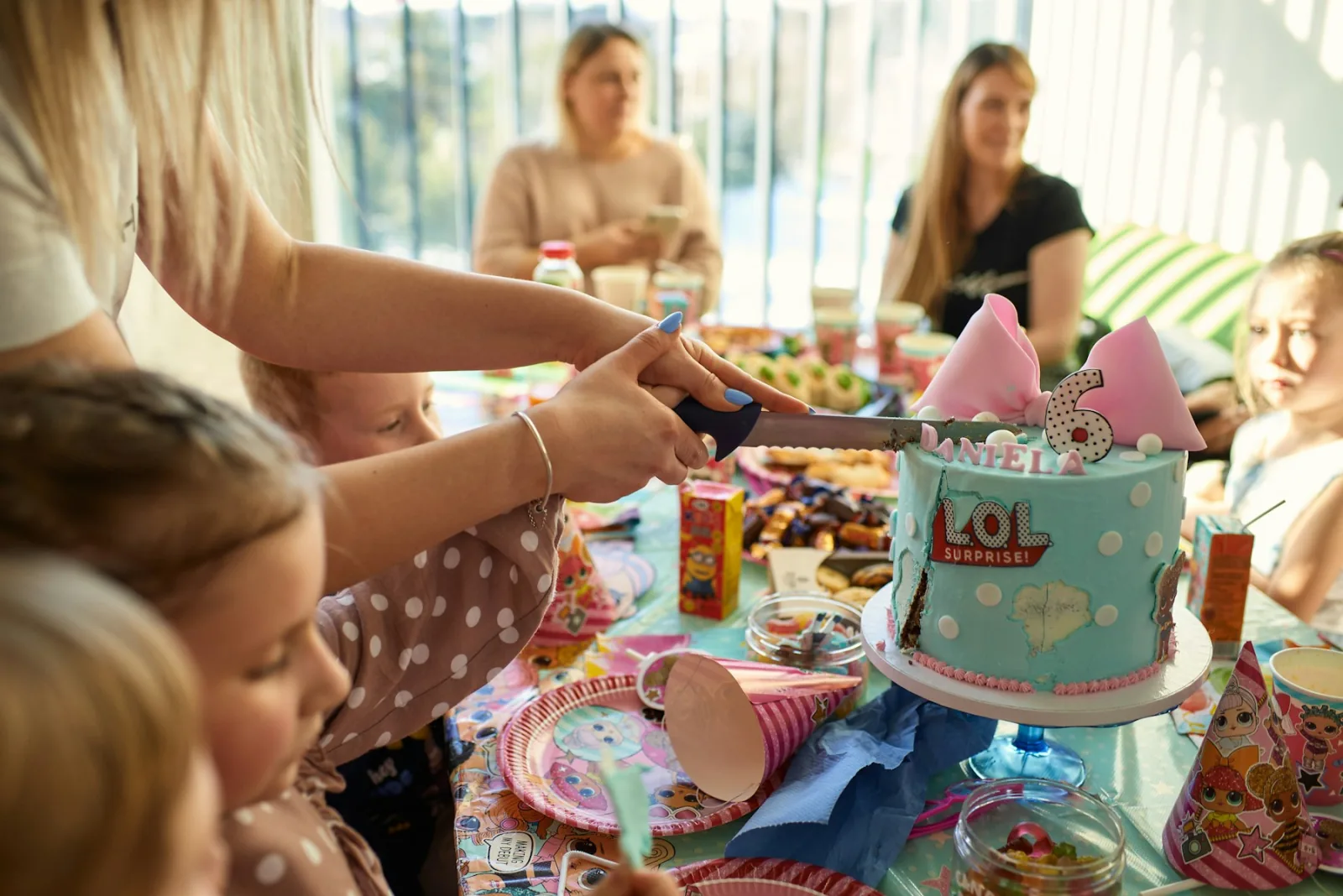
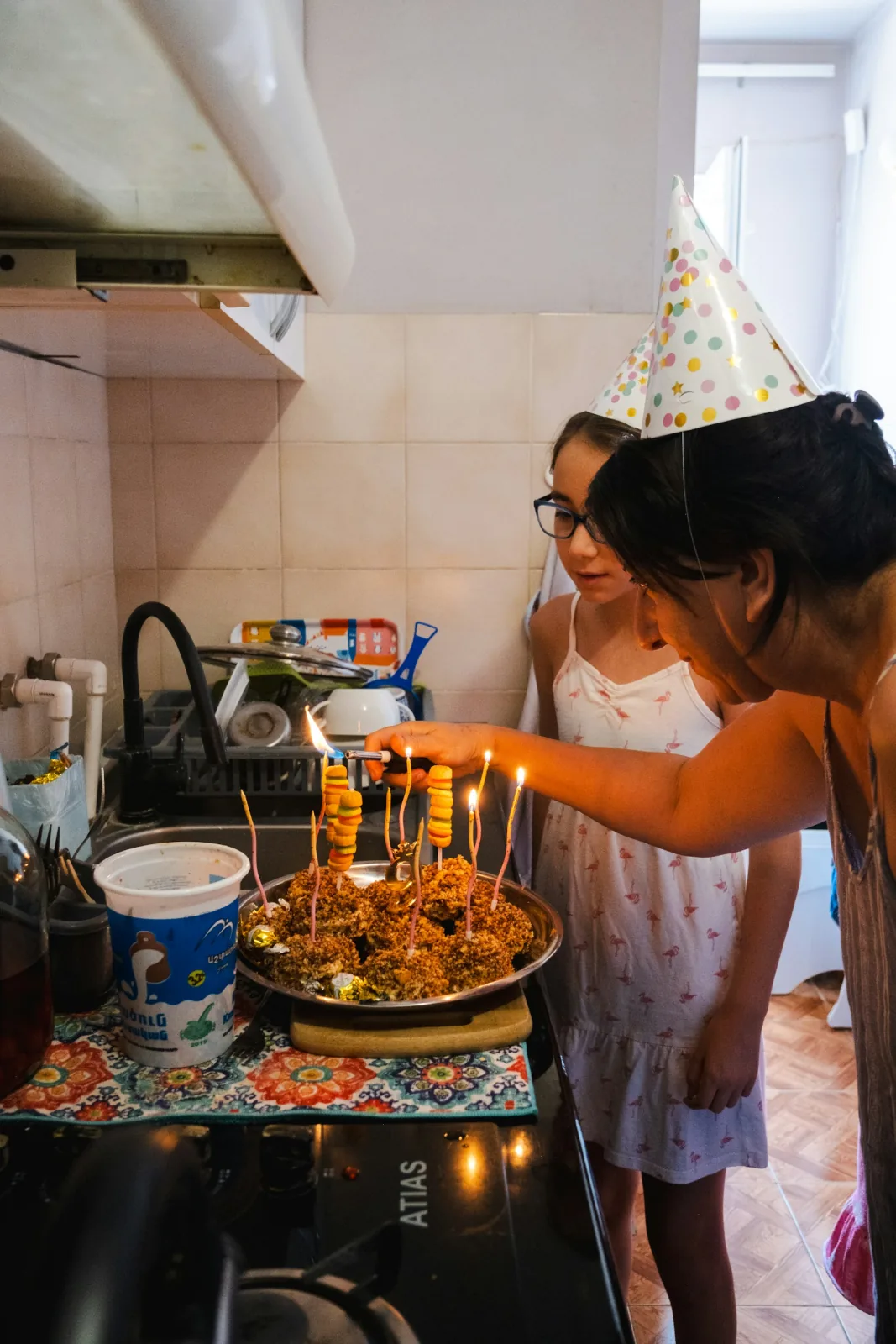
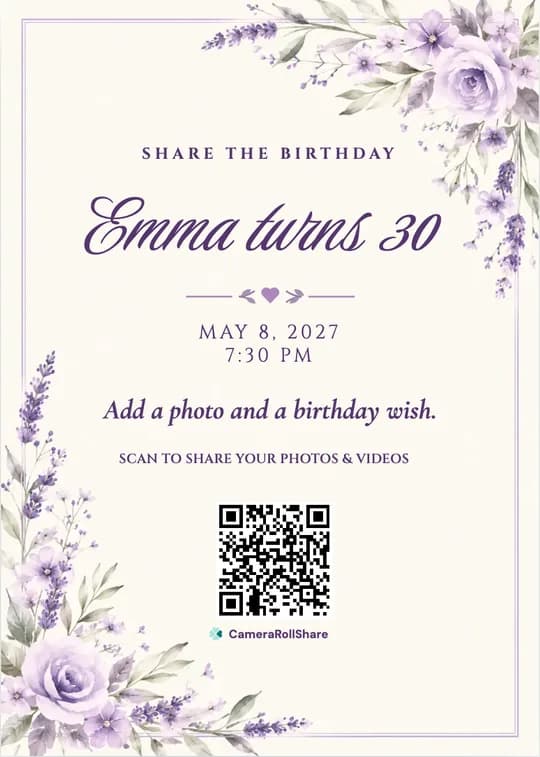

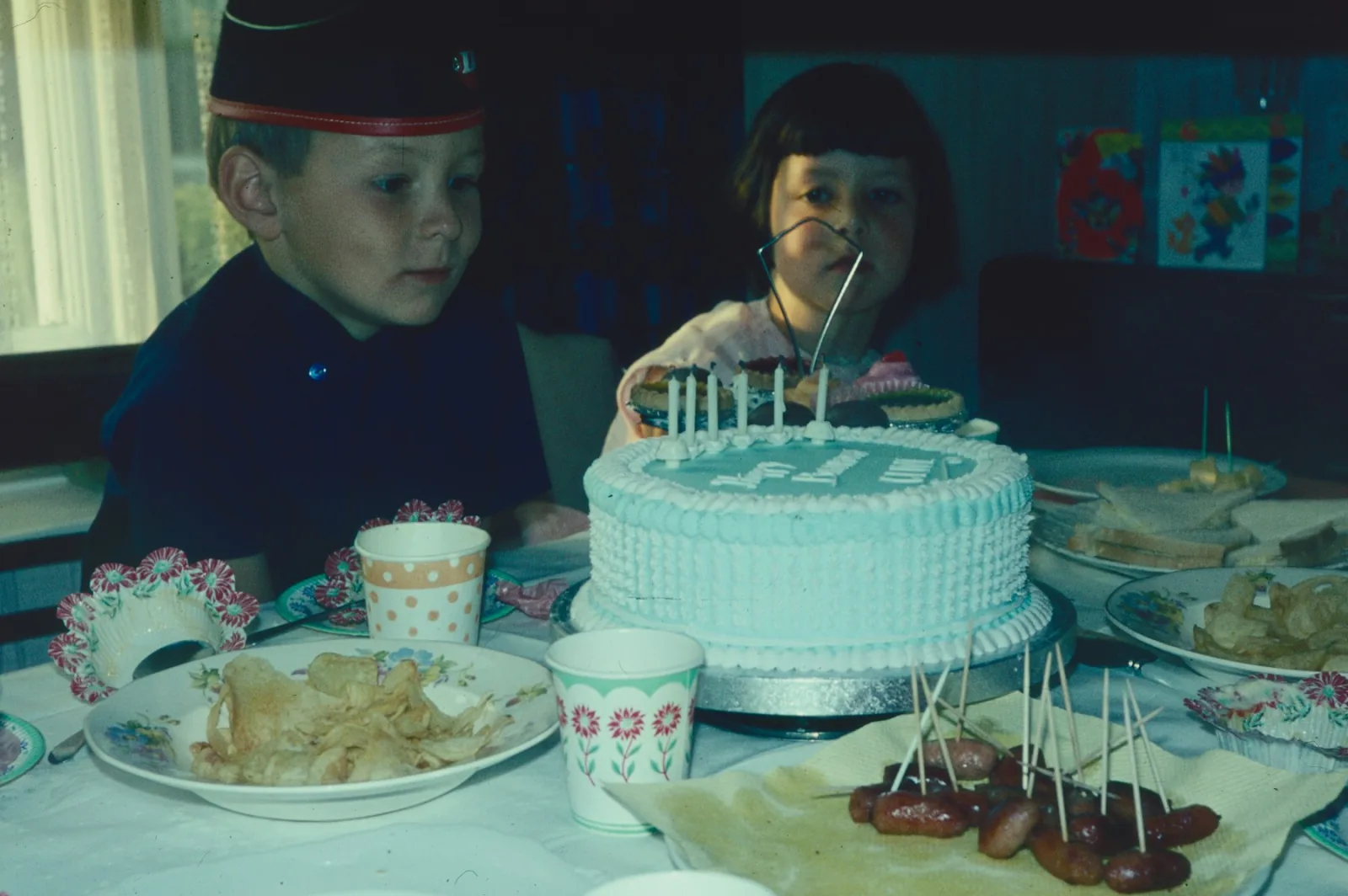
Asking everyone in the family chat afterwards rarely works. People forget, or send you blurry, squashed copies. So put one QR code by the cake instead. Guests point their phone camera at it and add their photos, videos and wishes in a few taps. No app, no sign-up. Even Grandpa can do it. The next morning it’s all in one private album, in full quality, ready to download.
Create your birthday galleryFree to try · No app for guests · Pay once, no subscription